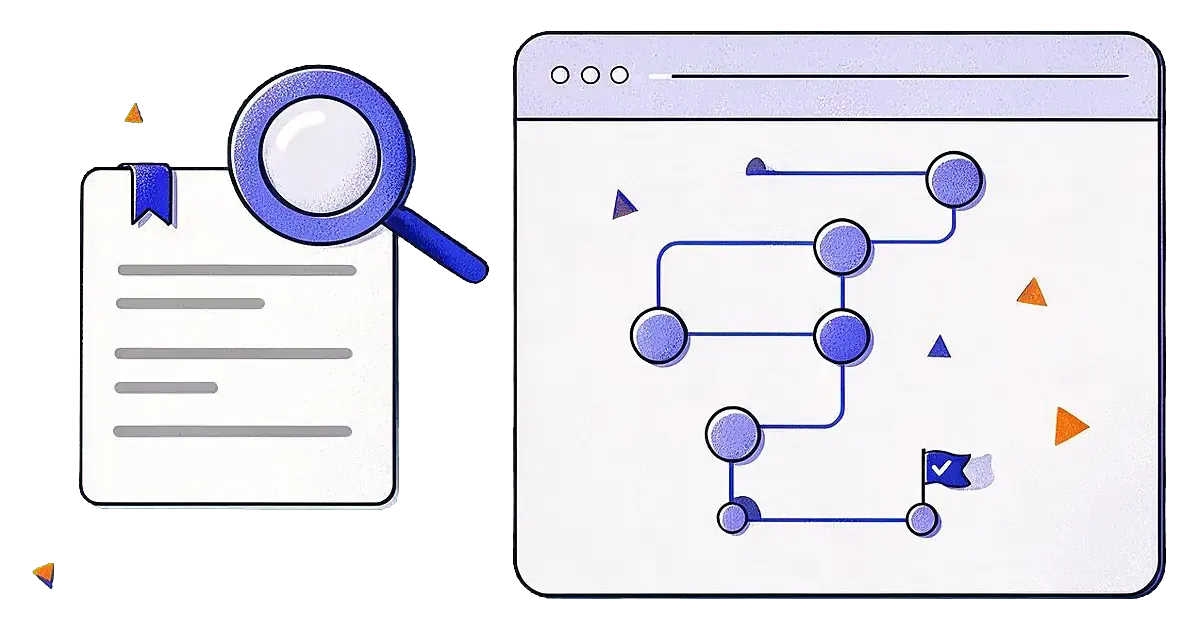
A use case is a description of how a person or another system uses a system to reach one goal. It names the actor, the goal, and the steps both sides take, including what happens when something goes wrong. In software work, use cases are a way to write down functional requirements in the order a user actually meets them.
This page covers the definition, the parts of a use case, five short examples, and where use cases fit next to diagrams, user stories and requirements. Already know what a use case is and want to write one? Go to the guide on how to write a use case, or start from a free use case template.
What is a use case, in plain words?
A use case answers one question: what does someone want to get done with this system, and how does the conversation between them and the system go? “Withdraw cash”, “Pay an invoice” and “Reset a password” are use cases. Each has someone who starts it, a result that counts as success, and a set of steps in between.
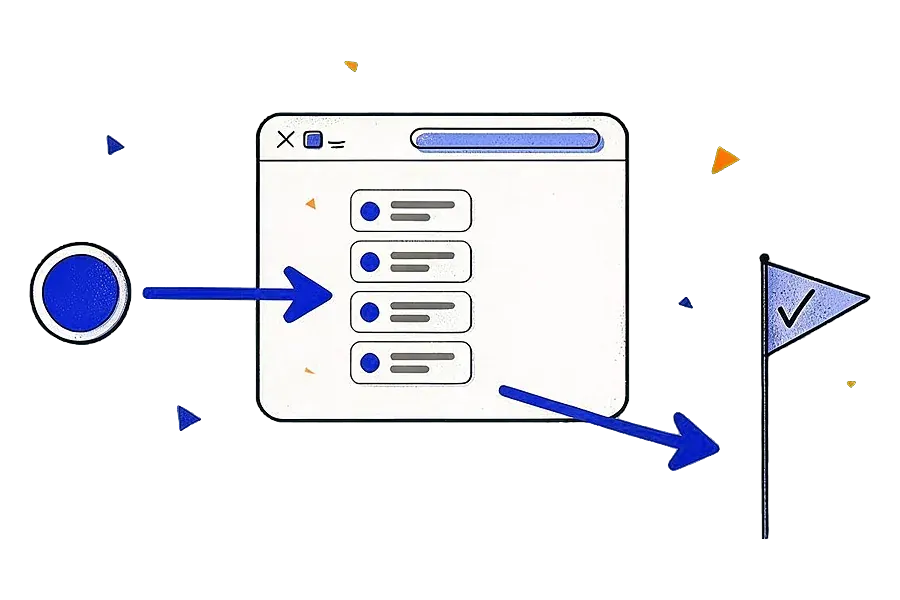
The idea comes from Ivar Jacobson, who introduced use cases in 1987 while working on telecom systems at Ericsson. The Unified Modeling Language later adopted them. The UML 2.5.1 specification from the Object Management Group describes a use case as behavior a system performs. That behavior yields an observable result of value to one or more actors. That last phrase matters. A use case is only worth writing if someone outside the system gets something they care about.
Outside software, people also say “use case” to mean “a way something can be used”, as in “the main use case for this product is invoicing”. That loose meaning is common in product and sales talk. In requirements work the word is stricter: one actor, one goal, written steps.
What are the parts of a use case?
Most teams use the same core parts, whatever template they follow:
- Name. A short verb and noun that states the goal, such as “Transfer money”.
- Primary actor. The role or external system that starts the use case and wants the result.
- Preconditions. What must already be true before the first step, such as “the customer is signed in”.
- Basic flow. The numbered steps of the normal path, alternating between actor and system.
- Alternate flows. Other ways to reach the same goal, such as paying with a saved card instead of a new one.
- Exception flows. What happens when the goal cannot be reached, such as a declined payment.
- Postconditions. What is true when the use case ends, for both success and failure.
Many templates add business rules, special requirements such as response times, and open issues. The guide on writing a use case walks through each part with a full example.
What are some examples of use cases?
The table shows five use cases from different kinds of systems. Each one has a single primary actor and a single goal. The last column shows one exception flow, because the failure paths are where use cases earn their keep.
| Use case | Primary actor | Goal | One exception flow |
|---|---|---|---|
| Withdraw cash | Bank customer | Get cash from an ATM | The PIN is wrong three times, so the ATM keeps the card |
| Check out an order | Online shopper | Pay for the items in the cart | The card is declined, so the order stays unpaid |
| Book an appointment | Patient | Reserve a time slot with a doctor | The slot is taken while the patient confirms |
| Reset password | Registered user | Regain access to the account | The reset link has expired |
| Approve an expense | Finance manager | Approve or reject a submitted claim | The claim exceeds the manager’s approval limit |
Look at “Withdraw cash”. The basic flow is short: insert the card, enter the PIN, choose an amount, take the cash and the card. The exceptions are where the real requirements hide. What if the ATM has too little cash? What if the account balance is too low? What if the customer walks away and leaves the card? Each answer becomes a requirement someone has to build and test.
What is the difference between a use case and a scenario?
A scenario is one path through a use case. “The customer enters the right PIN and takes 100 dollars” is one scenario. “The customer enters the wrong PIN twice, then the right one” is another. The use case is the whole set of scenarios that share a goal. Testers like scenarios because each one becomes a test case. Analysts like use cases because they keep all the paths for one goal in one place. The full written form of one use case, with every flow and rule, is called a use case specification.
What levels can a use case be written at?
Alistair Cockburn, author of Writing Effective Use Cases, describes use cases at different goal levels. The three that most analysts use are:
- Summary level. A long-running business goal that spans many sessions, such as “Manage a customer account”.
- User-goal level. One thing a person sits down to do and finishes in one go, such as “Transfer money”. Most use cases belong here.
- Subfunction level. A piece of behavior shared by several user goals, such as “Verify identity”.
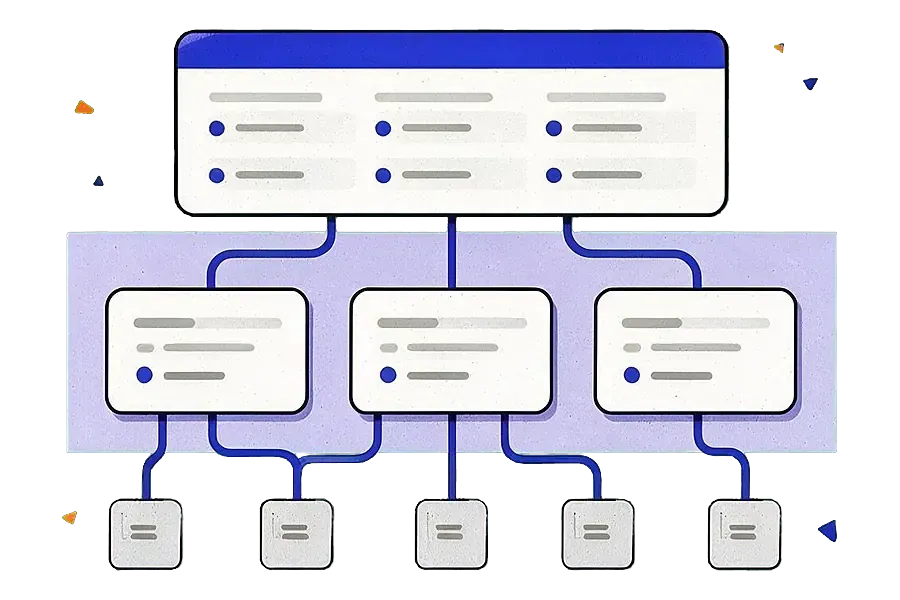
A quick test for the user-goal level: could the actor do this, go for a coffee and feel they got something done? “Enter PIN” fails the test. “Withdraw cash” passes it. Writing most use cases at that level keeps the set readable and stops it turning into a list of screen clicks.
How do use cases relate to use case diagrams and user stories?
A use case diagram is a picture of many use cases at once. It shows the actors, the use cases as ovals, and the lines between them. It is good for scope and poor for detail: an oval says nothing about the steps. The written use case holds the detail. Read what a use case diagram is used for to see how the two work together.
A user story is a one-sentence need written for planning: “As a customer, I want to withdraw cash so that I can pay in shops that take no cards.”
A use case covers the same goal with every step and failure path. Many teams write the use case to agree on behavior and split it into stories for delivery. The comparison of user story vs use case shows the same feature written both ways.
Why do teams still write use cases?
Use cases make people answer questions early. A flow of steps forces the writer to decide what the system shows, what the user can do next, and what happens on each failure. Those answers are cheaper to get in a review than in testing.
They also give requirements a home. A requirement such as “the system shall show the fee before the transfer is confirmed” makes more sense attached to step 4 of “Transfer money” than in a flat list. That link is what a requirements traceability matrix records, and it lets a tester see which steps have no requirement behind them.
Finally, use cases read well for non-technical stakeholders. A business sponsor can follow numbered steps in plain language. They cannot follow a class diagram.
When is a use case the wrong tool?
Use cases suit systems with clear interactions and several paths. They suit less well when there is no actor in a conversation with the system, such as a nightly batch calculation or a pure data rule. For those, a plain requirement statement or a decision table is clearer. Very small features also rarely need one: if the whole interaction is one step, a user story with acceptance criteria is enough.
Where does Flowifex fit?
Flowifex is a web app for writing use cases in this structure. Each use case has fields for actors, preconditions, postconditions, a basic flow and alternate and exception flows. Requirements link to individual steps. The same model draws the use case diagram and generates a business requirements document with 12 sections, which you can share by link or export to Word and PDF. The Free plan has one member and all modeling features.
Frequently asked questions
A use case is a short story of how someone uses a system to get one thing done. It names who acts, what they want and the steps on both sides, including what happens when something fails.
Ivar Jacobson introduced use cases in 1987. They later became part of the Unified Modeling Language (UML), and Alistair Cockburn popularized the written template many analysts use today.
A use case describes functional requirements in context. Teams often add numbered requirement statements and link each one to the step it applies to, so both the flow and the individual rules can be tested.
It depends on the system. A small app may have 10 to 20 user-goal use cases; a large business system may have hundreds, grouped into packages or folders by area.
Read next
Keep every spec in one place. Start with a free project.
Model use cases, link requirements and generate your BRD. Free plan, no card needed.