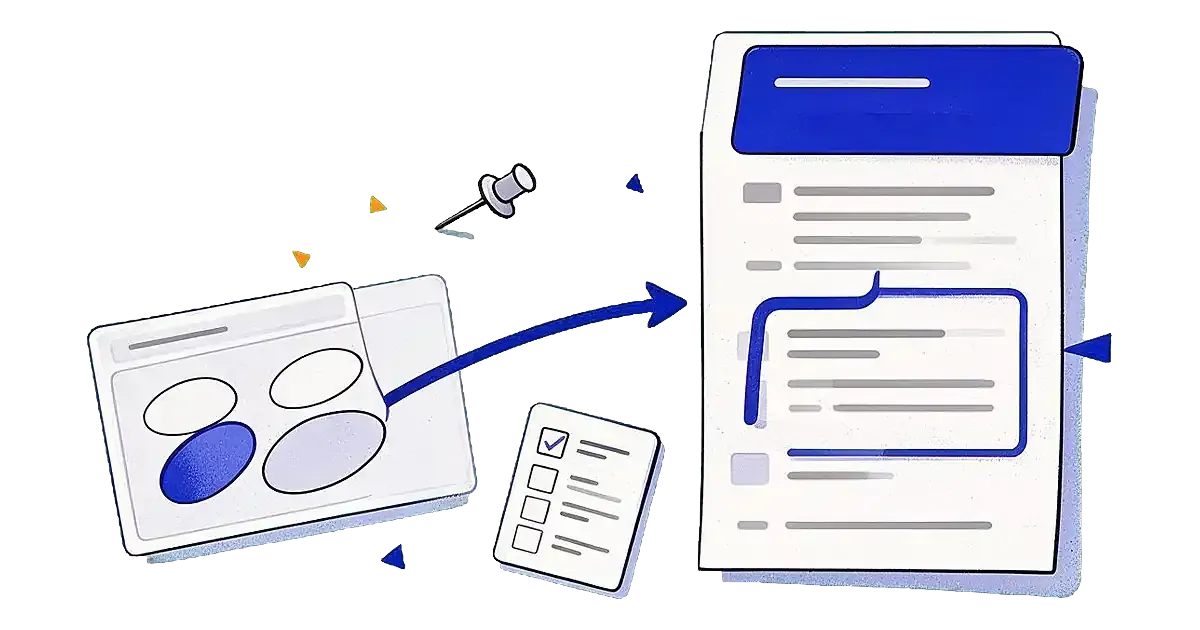
A use case specification is the written document that describes one use case in full. It records who the actors are, what must be true before and after, the numbered steps of the main flow, and every alternate and exception flow. A use case diagram shows that the use case exists; the specification says exactly how it behaves.
Below you will find what goes in a specification, a short filled-in example, how much detail to write, and how specifications connect to requirements and the BRD. To start writing straight away, copy the free use case specification template, which uses the same sections. If you are new to the idea itself, start with what a use case is.
What is a use case specification used for?
The specification is the part of a use case that people build and test from. Developers read it to learn what the system does at each step. Testers turn each path through it into test cases. Business stakeholders read it to confirm the behavior before anything is built. Because it is one document per use case, it can be reviewed, approved and versioned on its own.
The terms vary by team. “Use case specification”, “use case description” and “use case narrative” usually mean the same thing. Some methods, such as the Rational Unified Process, used “specification” for the formal, reviewed version and “description” for an early draft. When people say “use case” alone, they usually mean the specification too.
How is a specification different from a use case diagram?
A use case diagram is a map. It shows many use cases, their actors and how they relate, on one page. It has no steps, no conditions and no failure paths. The specification is the page behind one oval on that map. The UML 2.5.1 specification defines the diagram notation but leaves the text format to each team, which is why templates differ. For finished diagrams of six systems, see these use case diagram examples.
What sections does a use case specification have?
Most templates come from the same few sources: Alistair Cockburn’s book Writing Effective Use Cases, the Rational Unified Process outline, and the requirements guidance in the IIBA BABOK Guide. The sections below cover what they share.
| Section | What to write |
|---|---|
| Name and ID | A verb and noun goal, such as “Reset password”, plus a stable ID such as UC-07 |
| Brief description | Two or three sentences on the goal and why it matters |
| Actors | The primary actor who starts it and any secondary actors or systems it uses |
| Preconditions | What must be true before step 1, such as “the user has a registered email” |
| Trigger | The event that starts the use case |
| Basic flow | Numbered steps of the normal path, alternating actor and system |
| Alternate flows | Other paths that still reach the goal, each tied to the step where it branches |
| Exception flows | Paths where the goal fails, with what the system does and shows |
| Postconditions | What is true after success, and after failure |
| Business rules | Policies the flow must respect, each with an ID |
| Special requirements | Non-functional needs tied to this use case, such as a response time |
| Assumptions and open issues | What you have not confirmed yet, with an owner |
Not every specification needs every section. A simple use case may have no business rules and no special requirements. Leave a section out rather than writing “none” in twelve places, but always keep the actors, conditions and the three kinds of flow.
What does a use case specification look like?
Here is a short specification for a password reset. It is fictional, and it is kept small so each section is easy to see.
| Section | Content |
|---|---|
| Primary actor | Registered user |
| Secondary actor | Email service |
| Preconditions | The user has an account with a verified email address. |
| Trigger | The user selects Forgot password on the sign-in page. |
| Basic flow | 1. The user enters their email address. 2. The system sends a reset link valid for 30 minutes. 3. The user opens the link. 4. The user enters a new password twice. 5. The system checks the password rules and saves it. 6. The system signs the user in. |
| Alternate flow | 1a. The email is not registered: the system shows the same message as in step 2, so it does not reveal which emails exist. |
| Exception flows | 3a. The link has expired: the system offers to send a new one. 5a. The password breaks a rule: the system names the rule and keeps the user on step 4. |
| Postconditions | Success: the new password is stored and old sessions are signed out. Failure: the old password still works. |
| Business rule | BR-3: Passwords have at least 12 characters. |
Look at alternate flow 1a. It is a security decision hidden in a single line. Writing the specification is what surfaced it. A diagram with one oval named “Reset password” would never have raised the question.
How detailed should a specification be?
Cockburn describes a range of formality, from a brief paragraph to a “fully dressed” use case with every section filled. Match the level to the risk:
- Brief. One paragraph naming the actor, goal and main path. Good for early scoping and backlog grooming.
- Casual. A few paragraphs covering the main path and the key failures. Good for small teams working closely with the business.
- Fully dressed. Every section in the table above, numbered steps and IDs. Good for contracts, outsourced builds, regulated work and anything with money or personal data.
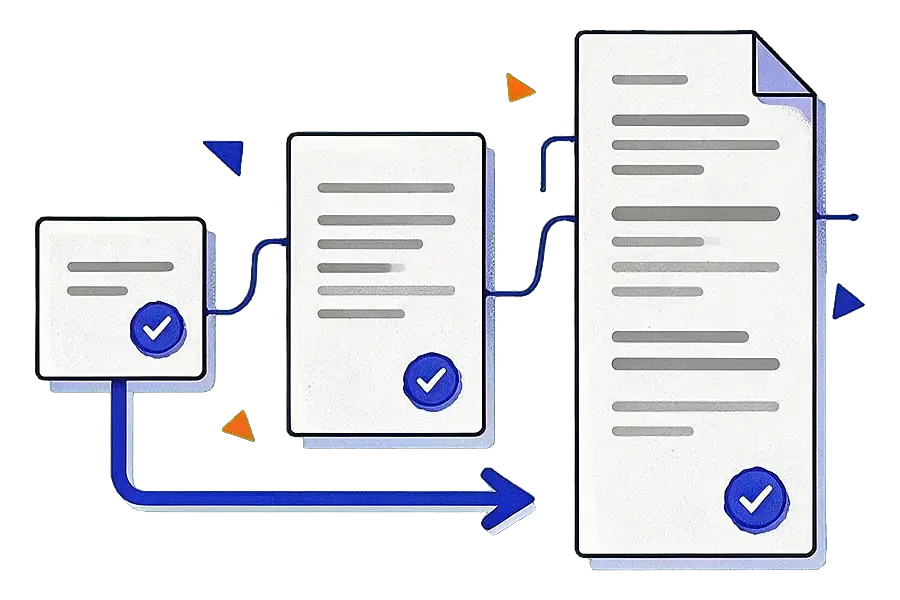
A common pattern is to write every use case brief first, then dress up only the ones that carry risk. That keeps the writing effort where the questions are.
Who writes and reviews the specification?
A business analyst usually writes it, with input from the people who do the work today. A product owner or business sponsor confirms the goal and the rules. Developers check that each step can be built. Testers check that each path can be tested, which is the fastest way to find a vague step. “The system processes the request” fails that check; “the system checks the balance and shows the fee” passes it.
How do specifications connect to requirements?
A specification describes behavior in order. Requirements state single, testable rules. The two meet at the step. For example, requirement R-21 “Reset links expire after 30 minutes” belongs to step 2 of UC-07. Recording that link lets you answer two questions later: which requirements have no step behind them, and which steps have no requirement. A requirements traceability matrix is the grid that shows those gaps.
In Flowifex, each use case has fields for these sections, and requirements link to individual basic-flow steps. The links are stored against the step itself, so inserting a new step does not leave old numbers pointing at the wrong place. The use cases and requirements then feed the use case catalog and traceability sections of the generated business requirements document.
What makes a use case specification hard to use?
- Screen detail in the steps. “Click the blue button at the top right” breaks the first time the design changes. Write the intent: “The user confirms the transfer.”
- No failure paths. A specification with only a basic flow describes the demo, not the system.
- Several goals in one. “Manage account” hides five use cases. Split it.
- Undefined terms. If “active customer” means something specific, put it in a glossary and use it the same way everywhere.
For a step-by-step method of writing each section, see the guide on how to write a use case.
Frequently asked questions
In most teams, yes. Both mean the written document for one use case. Some methods use “description” for an early draft and “specification” for the reviewed version.
A use case specification covers one goal. A software requirements specification (SRS) covers a whole system and often contains many use case specifications plus non-functional requirements and interfaces.
A fully dressed one is often one to three pages. If it grows much longer, it usually holds more than one goal and should be split.
Some do, usually at the brief or casual level, and dress up only the risky ones. Agile methods ask for working software and close collaboration; they do not forbid written specifications.
Read next
Keep every spec in one place. Start with a free project.
Model use cases, link requirements and generate your BRD. Free plan, no card needed.