Sign in from any browser
Go to app.flowifex.com and sign in with Google, with Apple, or with your email address and a password. New email accounts confirm the address with a code. Your projects live in your account, so you can pick up the same work on another computer.
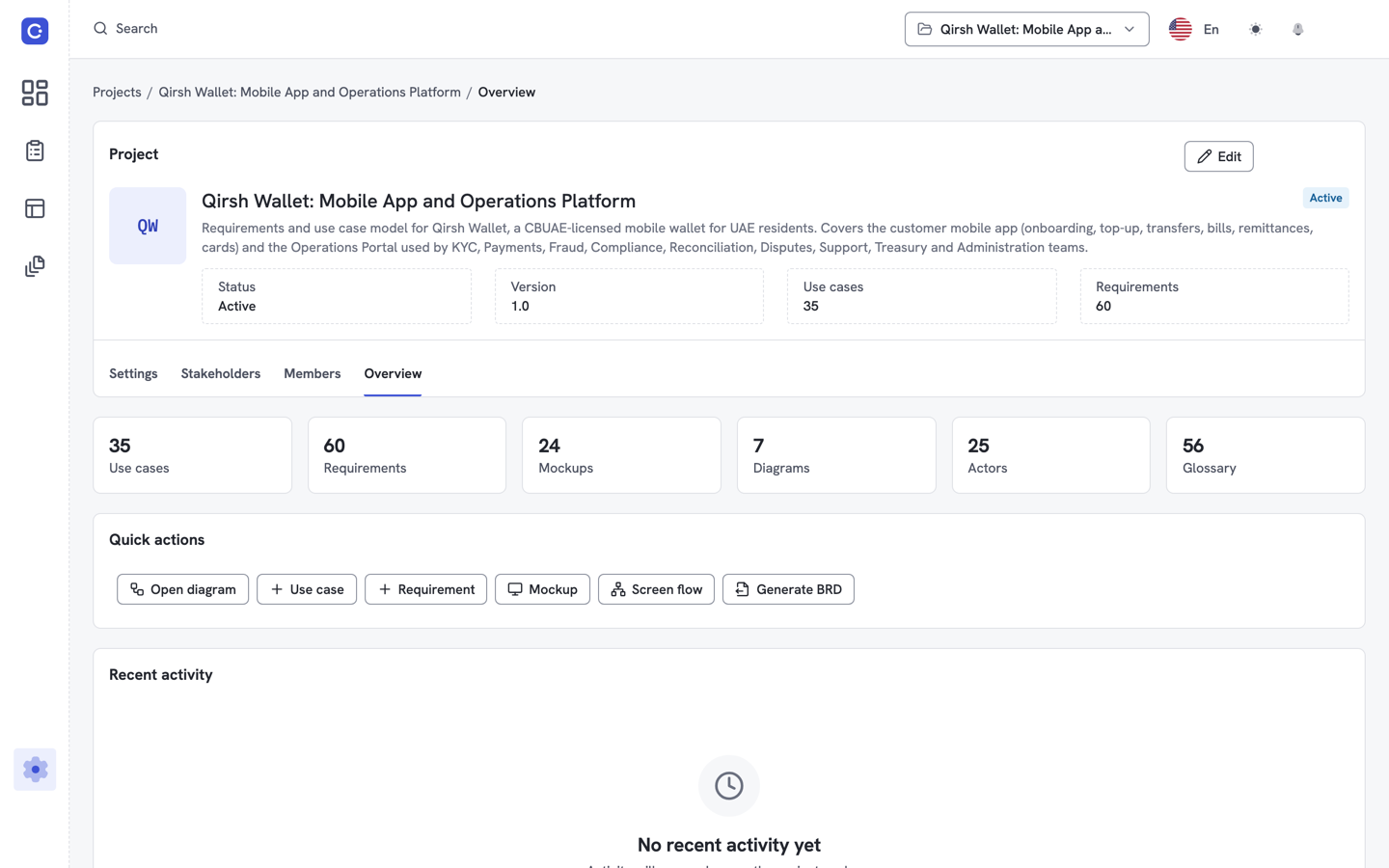
What you do in the web app
- Model use cases. Write basic, alternate and exception flows with actors, pre and post-conditions and business rules.
- Write requirements. Link each requirement to the steps it covers, set MoSCoW priority and add acceptance criteria.
- Draw and mock up. Use case diagrams, screen mockups and clickable screen flows sit in the same project.
- Check coverage. The traceability matrix shows which requirements are covered and which are missing.
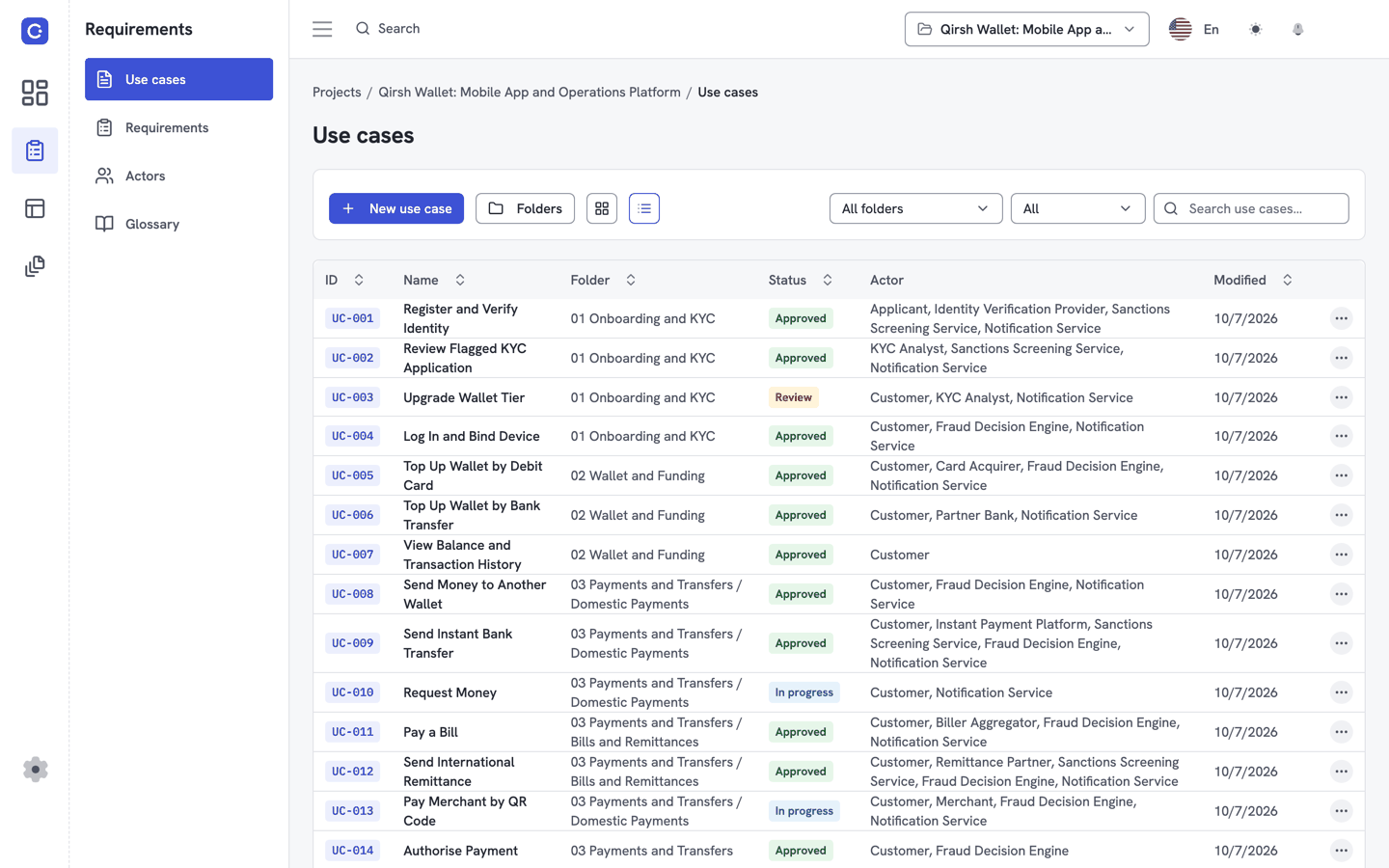
- Generate the BRD. A 12-section business requirements document built from the project.
Share and export
Reviewers do not need an account to read the BRD: send a share link with an expiry date. You can also export the BRD to Word (DOCX) or PDF and the traceability matrix to CSV, and save diagrams and screen mockups as PNG or SVG.
Work with your team
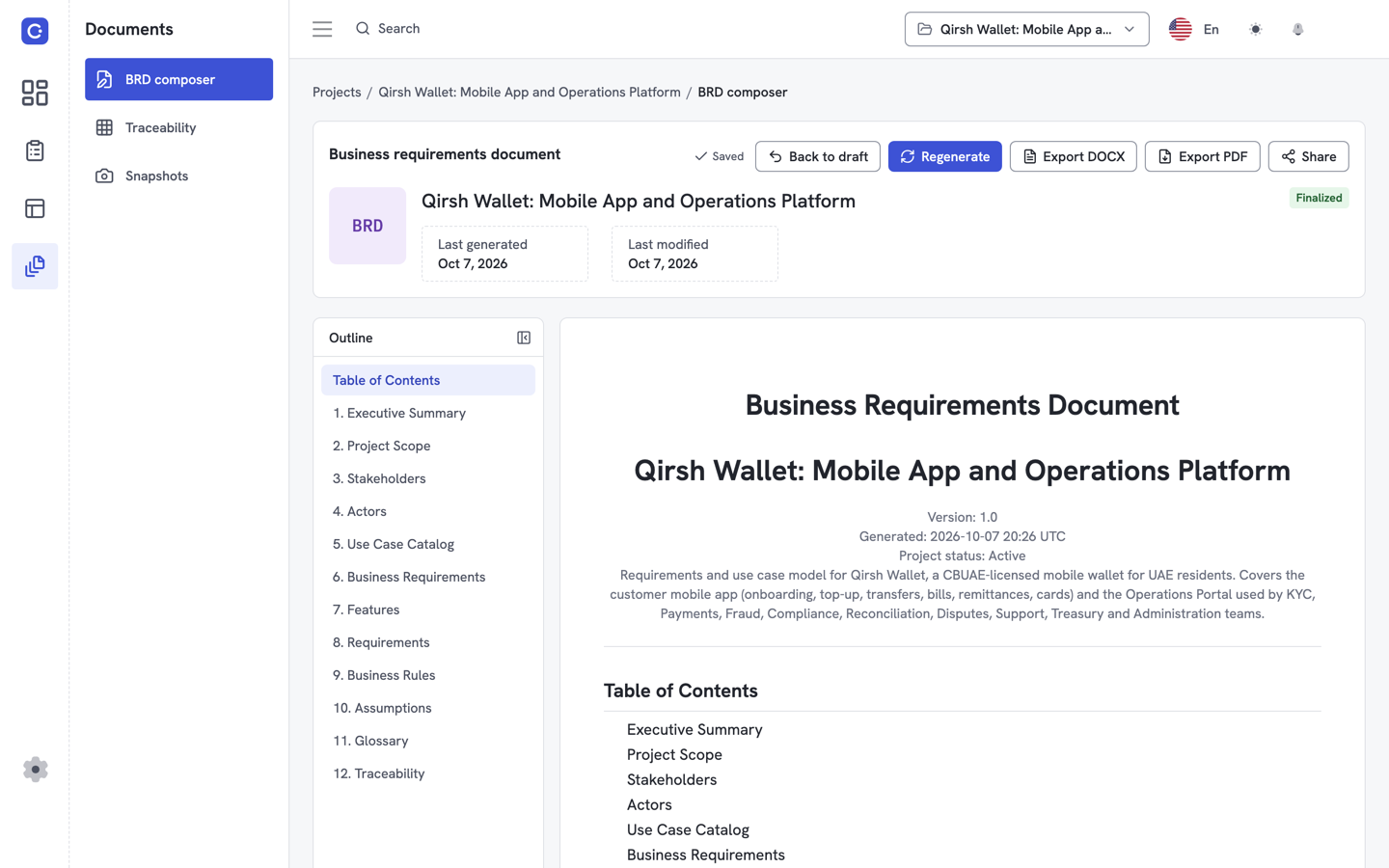
On Team and Enterprise plans, invite people to a project as Owner, Editor, Commenter or Viewer. Comment on steps, lock what you edit so nobody overwrites your work, and save snapshots to see what changed. Plans are per project; see pricing.
On a phone
Flowifex works in a phone browser too. On small screens a bottom bar holds the menu, Search and Settings. There is no separate iPhone or Android app.
Connect your AI assistant
The profile area of the web app has a Connect AI wizard. It adds the Flowifex MCP server to Claude, ChatGPT, Cursor or another MCP client, which then works in your projects with your own permissions. See the setup guides for Claude, ChatGPT and Cursor, or how the connection works.
Questions about the web app
No. Flowifex is a web app. Open app.flowifex.com in your browser and sign in. Updates go live for everyone as soon as they ship.
Sign in with Google, with Apple, or with your email address and a password. New email accounts confirm the address with a code.
Yes, in the phone's browser. On small screens a bottom bar holds the menu, Search and Settings. There is no separate iPhone or Android app.
No. Share the business requirements document with a link that has an expiry date, or export it to Word (DOCX) or PDF and send the file.
What shipped lately is in the changelog. Stuck? Contact us.
Keep every spec in one place. Start with a free project.
Model use cases, link requirements and generate your BRD. Free plan, no card needed.