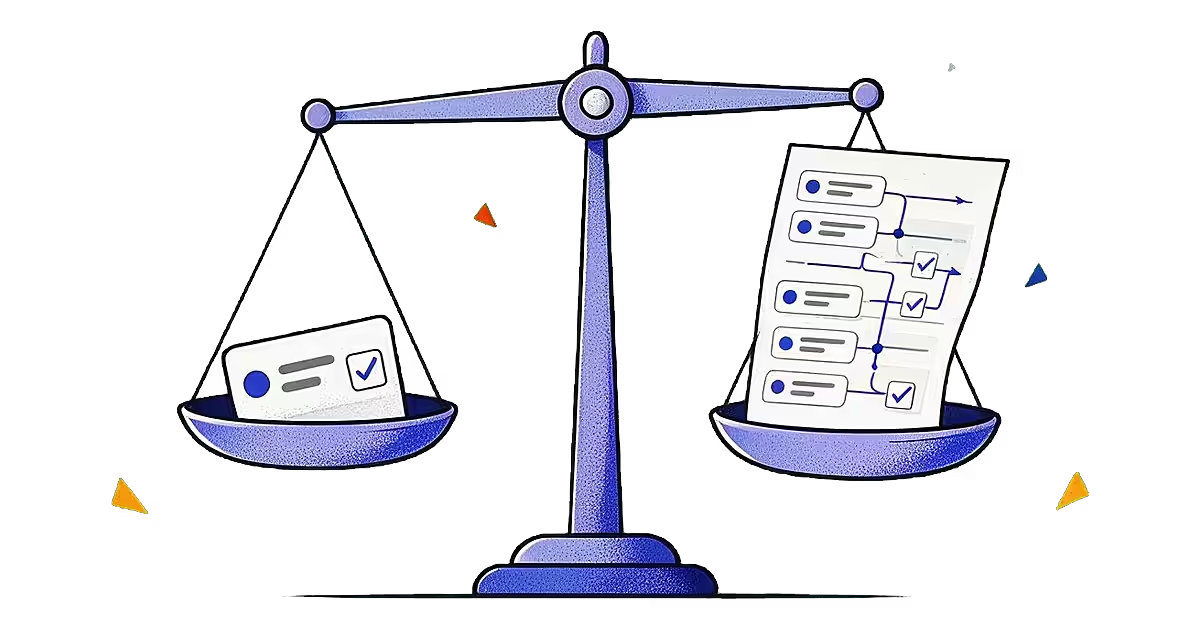
A user story is a one-sentence statement of what a user wants and why. A use case is a step-by-step description of how an actor and the system interact to reach a goal, including what happens when things go wrong. Stories are short and made for planning. Use cases are longer and made for specifying behavior.
Both describe needs from the user’s side, so teams often ask which one to use. The answer depends on how complex the flow is and who reads the result. If you choose use cases, a template for writing a full use case saves the first hour.
What is the difference between a user story and a use case?
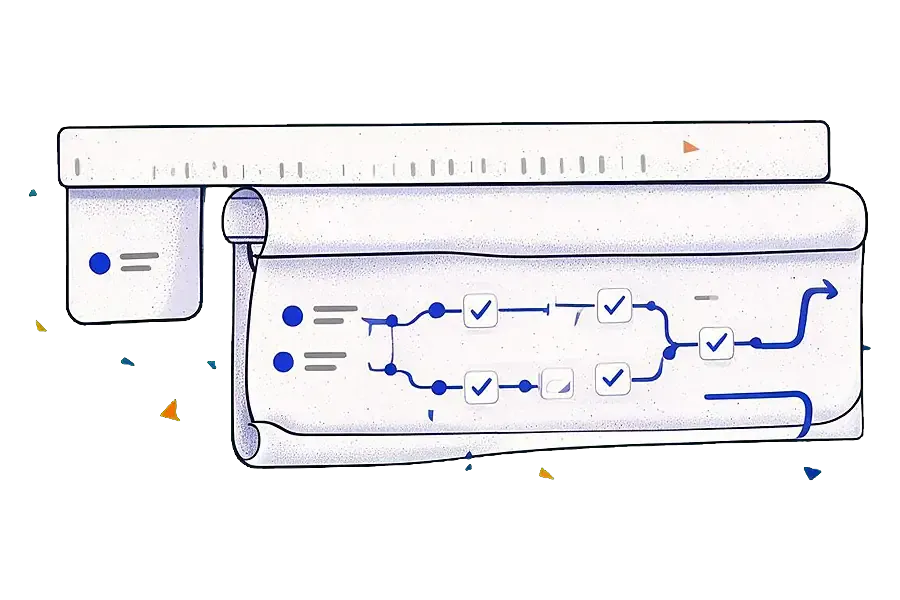
The table compares the two on the points that matter when you choose.
| Topic | User story | Use case |
|---|---|---|
| Format | As a [role], I want [goal], so that [reason] | Name, actors, preconditions, numbered basic flow, alternate and exception flows, postconditions |
| Size | One small piece of value, built in one iteration | One complete goal, often several stories |
| Detail | Little on purpose; detail comes from conversation and acceptance criteria | Written detail of each step and branch |
| Failure paths | Usually separate stories or acceptance criteria | Built in as exception flows |
| Main readers | Delivery team during planning | Analysts, developers, testers and stakeholders who review behavior |
| Lifespan | Closed when done | Kept as a reference for how the system behaves |
| Origin | Extreme Programming and agile practice | Ivar Jacobson’s work in the late 1980s, later part of UML |
What is a user story?
A user story is “a short description of desired functionality”, as Mike Cohn puts it in his guide to agile user stories. It names a role, a goal and a reason. It is meant to start a conversation, and its acceptance criteria say when it is done.
Stories are popular in agile teams because they are small enough to estimate and order in a backlog. They are not part of Scrum itself: the 2020 Scrum Guide speaks of Product Backlog items and does not mention stories. For a copyable layout, see our user story template with examples.
What is a use case?
A use case describes one goal of one primary actor and every path the interaction can take. Alistair Cockburn’s Writing Effective Use Cases is the standard reference for the written form. Use case diagrams, which show actors and use cases as a picture, are defined in the OMG Unified Modeling Language specification.
A written use case has a name, the actors, preconditions, a numbered basic flow, alternate flows for valid variations, exception flows for failures, and postconditions. Our guide to writing actors, flows and conditions walks through each part.
What does the same feature look like in both formats?
Take a fictional wallet app and one feature: sending money to a saved contact. As user stories, it might read:
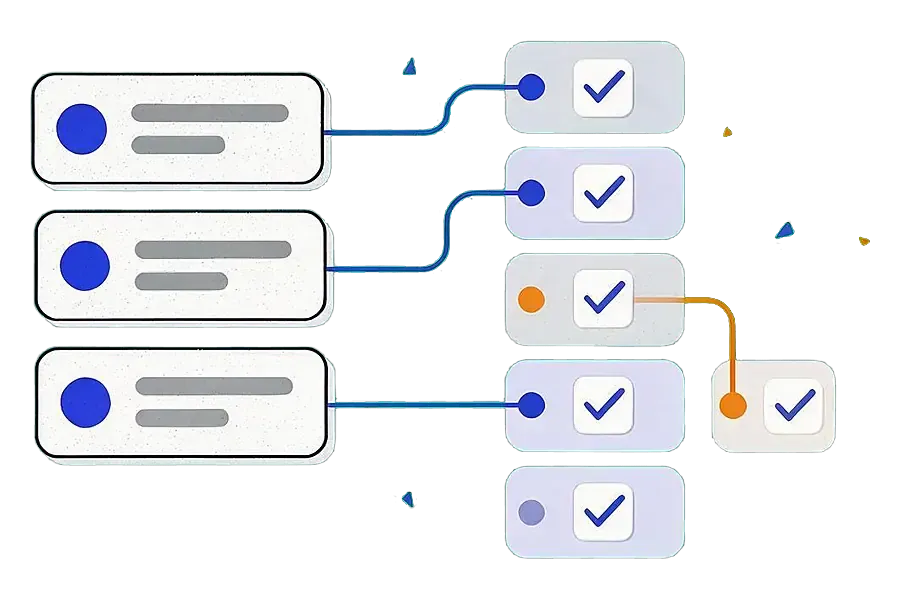
- As a wallet holder, I want to send money to a saved contact, so that I do not type their details again.
- As a wallet holder, I want to see the fee before I confirm, so that I am not surprised by the amount taken.
- As a wallet holder, I want to be told when a transfer fails, so that I can try another way to pay.
As a use case, the same feature becomes one document:
| Part | Content |
|---|---|
| Primary actor | Wallet holder |
| Preconditions | The wallet holder is signed in and has at least one saved contact. |
| Basic flow | 1. The holder selects Send money. 2. The system lists saved contacts. 3. The holder picks a contact and enters an amount. 4. The system shows the amount and fee. 5. The holder confirms. 6. The system completes the transfer and updates the balance. |
| Alternate flow | 3a. The contact is not saved: the holder adds the contact, then the flow resumes at step 3. |
| Exception flows | 4a. The amount exceeds the balance: the system shows the shortfall. 6a. The payment processor declines: the balance is unchanged and the holder sees the reason. |
| Postconditions | The transfer is recorded in the history and the contact is notified. |
The three stories map to steps 1 to 3, step 4 and exception flow 6a. The use case also shows things no story mentioned: the alternate flow for an unsaved contact and the balance check in 4a. That is the main practical difference. Writing the full flow forces you to ask what happens at every step.
When should you use a user story and when a use case?
Choose user stories when:
- the feature is small and fits in one iteration;
- the team works closely with the product owner and can ask questions as it builds;
- you need a backlog you can order and estimate.
Choose use cases when:
- the flow has several steps, branches or failure paths;
- people outside the team, such as stakeholders, auditors or a vendor, must review the behavior;
- you need a lasting reference that testers and new team members can read later.
Can you use user stories and use cases together?
Yes, and many teams do. A common pattern is to write the use case first to agree on the full behavior, then cut it into stories for delivery. Each story points to the steps or flows it delivers. The use case stays as the reference; the stories close as work is done.
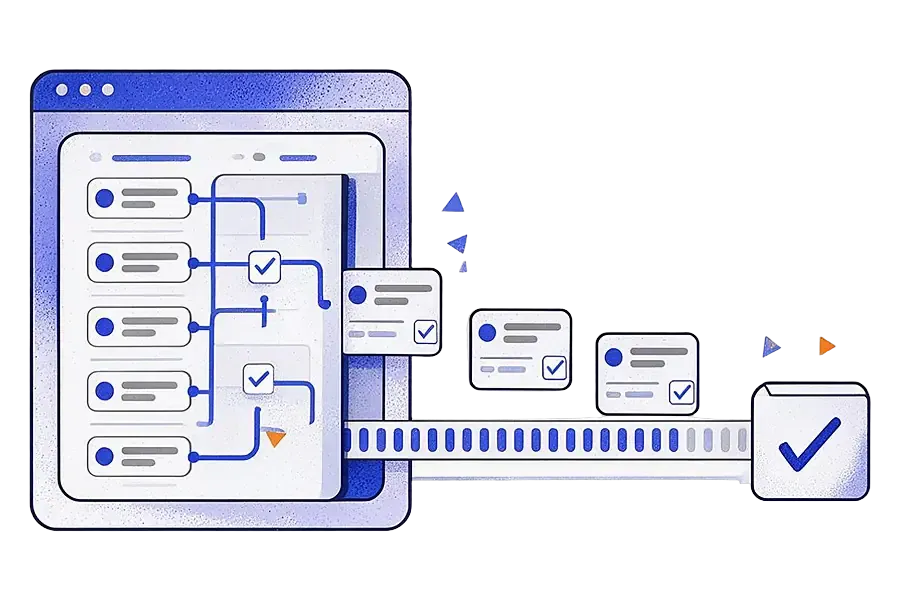
The reverse also works. Start with a handful of stories during discovery, and when one keeps growing branches, promote it to a use case. A diagram of the result shows who uses which goal; see the uses of a use case diagram if you need one for review.
The link between the two is where work gets lost. If a story is not tied to a step, nobody notices when the flow changes and the story is out of date. Flowifex is built around use cases: you write the flows, link requirements to individual steps and generate the business requirements document from the same model. It has no separate story object, but requirements carry acceptance criteria and MoSCoW priority, so a story fits as a requirement linked to its step. The web app for use cases and requirements is free for one analyst.
Which one do stakeholders prefer to review?
A use case reads as a complete account of one goal from start to finish, so a sponsor can check it for gaps in one sitting. A list of stories is easier for a delivery team to plan but harder for a sponsor to check for gaps. If you need sign-off, show the use cases or a document generated from them, and keep the stories for planning.
Frequently asked questions
No. A user story is one sentence about a need and is used for planning. A use case describes the full interaction for a goal, step by step, including alternate and exception flows.
Yes. Many agile teams write use cases for complex flows and split them into user stories for delivery. Agile methods do not forbid use cases; they ask for working software and close collaboration.
Use cases are better when behavior has many branches or needs formal review. User stories are better for small, independent features planned in short iterations. Many projects use both.
There is no fixed ratio. A simple use case may become two or three stories; a complex one with many exception flows may become ten or more.
Read next
Keep every spec in one place. Start with a free project.
Model use cases, link requirements and generate your BRD. Free plan, no card needed.