
How Flowifex works
Flowifex is a use case modeling and requirements tool for business analysts. It runs in your browser with nothing to install, so you can start in the Flowifex web app and work in three steps.
Can I use Flowifex with ChatGPT or Claude?
Yes. Flowifex has a remote MCP server that works with Claude, ChatGPT, Cursor and any MCP client. You sign in with OAuth through your Flowifex account, so there are no API keys. The assistant has the same permissions as you. It works on every plan, including Free, and cannot change billing.
How do you write a use case in Flowifex?
Write basic, alternate and exception flows with actors, pre and post-conditions, and business rules. Set priority and status on every use case.
Every flow, every path
Capture the basic flow, alternate flows and exception flows. Each use case keeps its actors and conditions together.
Steps linked to requirements
Link steps to the screens and requirements they rely on. Your use cases stay tied to what the system must do.
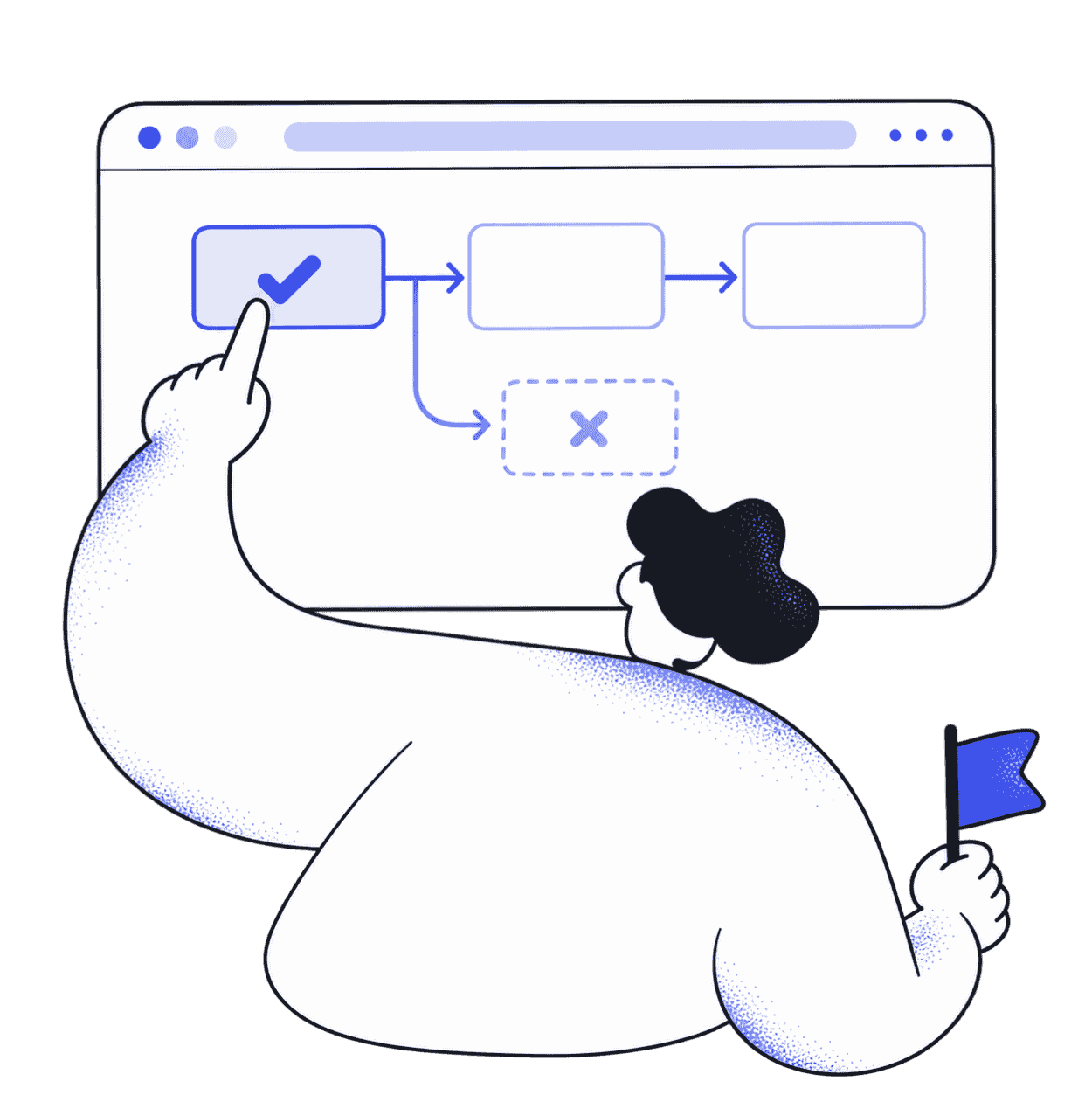
Draw your use case diagram and mock up the screens
Show include, extend and generalization links. Build mockups from 19 widget types, then click through the screen flow.
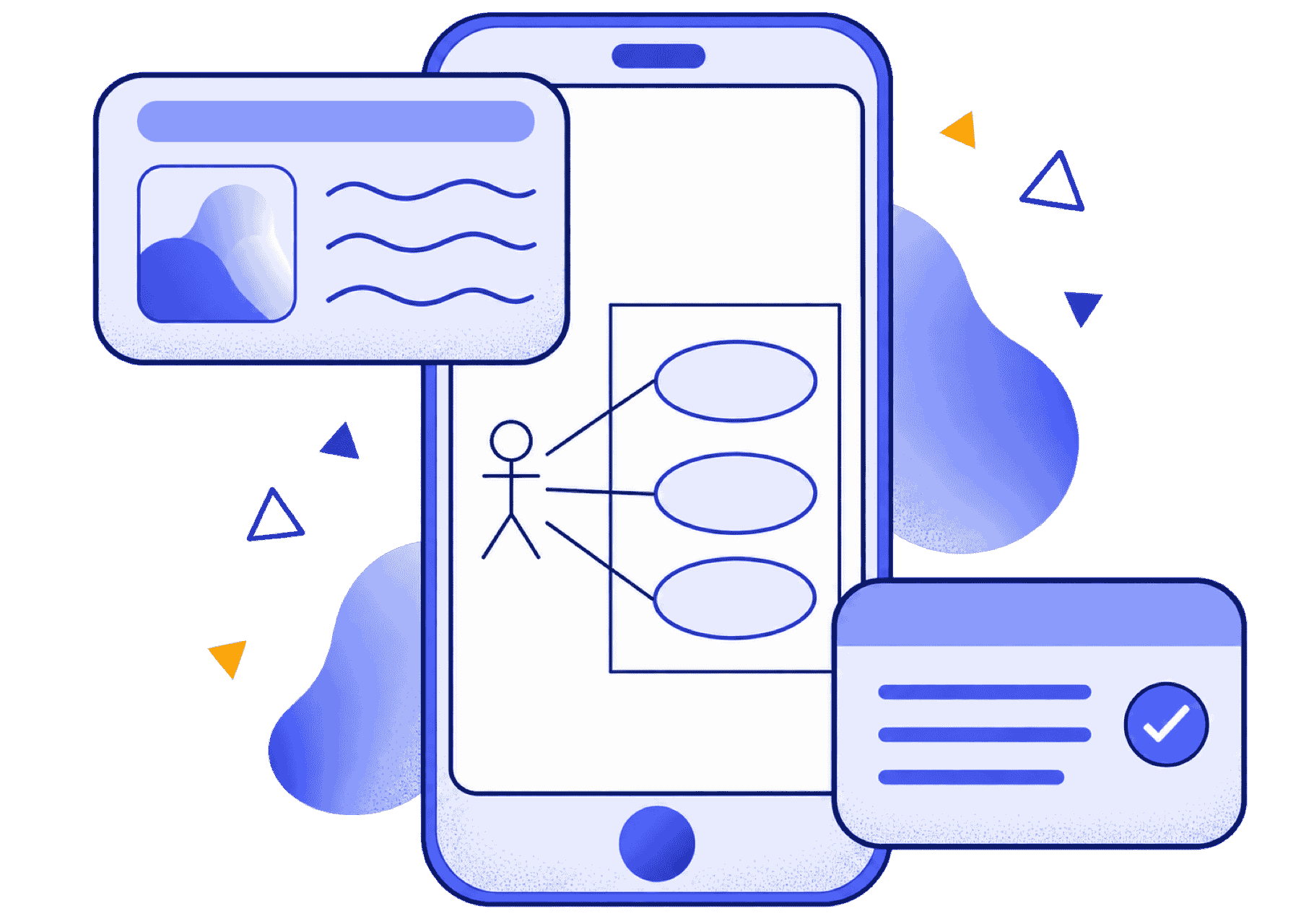

Model flows, actors and rules
Add actors, flows, conditions and business rules to each use case. Set priority and status as you go.

Prioritize requirements
Attach requirements to steps, set MoSCoW priority and write acceptance criteria for each one.

Generate a 12-section BRD
Generate a 12-section document, then export it to Word or PDF or share it by link with an expiry.
Your team works from one source of truth

Four team roles
On Team and Enterprise plans, invite people as Owner, Editor, Commenter or Viewer to control who can change what.

Comments and edit locks
Comment on steps, and lock what you edit so nobody overwrites your work.

History and snapshots
Review the audit history and save snapshots of a project to see what changed over time.
What is a requirements traceability matrix?
A requirements traceability matrix is a table that maps each requirement to the use cases and steps that cover it, so you can see what is covered and what is missing. Flowifex builds the matrix from the links you make between requirements and use case steps, and shows coverage and gaps.
Traceability matrix, explained
Coverage view and gaps
Spot requirements with no linked step, check coverage % at a glance, then export the matrix to CSV.

How does Flowifex generate a business requirements document?
Flowifex generates a business requirements document (BRD) from your use cases and requirements. The BRD has 12 sections, from Executive Summary to Traceability and Glossary. You can share it by link with an expiry or export it to Word (DOCX) or PDF.
Business requirements document template
Share with a link
Send stakeholders a link to the BRD. Set an expiry so access ends when you want it to.
Export to Word or PDF
Download the BRD as a DOCX or PDF file, then edit or circulate it with the tools your stakeholders already use.

Yearly billing: 2 months free. Prices are per project. Every project starts on Free; you upgrade it in the app when you invite teammates. Team plans are flat by seat cap; Enterprise adds a fee per extra member.
Free
For solo analysts. You are the only member.
$ 0 / month
Create free account- 1 member (owner only)
- Unlimited projects
- Every feature, nothing gated
- No card needed
Team 10
For small teams. Up to 10 members on one project.
$ 300 / month
Start with a free project- Up to 10 members
- Invite by email
- Every feature, nothing gated
Team 20
Up to 20 members on one project. A hard cap at 20.
$ 500 / month
Start with a free project- Up to 20 members
- Invite by email
- Every feature, nothing gated
Enterprise
Team 20 that can grow: 20 members included, then $20 per extra member a month.
$ 500 / month
Start with a free project- 20 members included
- $20 per extra member per month
- Every feature, nothing gated
Questions business analysts ask
Short answers about the free plan, pricing, exports and AI assistants.
Yes. The Free plan costs $0, includes all modeling features, and has one member, the project owner. No card is required and there is no free trial. Pricing is per project, so you can keep a solo project on Free and move only the projects that need more members to a paid plan.
Pricing is per project. Team plans are flat by seat cap; Enterprise adds a fee per extra member. Team 10 is $300 per month or $3,000 per year for up to 10 members. Team 20 is $500 or $5,000 for up to 20. Enterprise is $500 or $5,000 with 20 members included, plus $20 per extra member monthly or $200 yearly. Yearly billing is 2 months free.
Yes, with manual steps. CSV import is not available. You can enter requirements in the editor, or ask your AI assistant to add them to the project over MCP, for example by pasting a document into a chat. Once they are in Flowifex, you can link each requirement to the use case steps it covers.
No. You can share the business requirements document (BRD) with a link that has an expiry date, so reviewers open it in the browser without signing up. You can also export the BRD to Word (DOCX) or PDF and send the file. On Team and Enterprise plans, reviewers who need to comment can be invited to the project as Commenters.
You can export the BRD to DOCX or PDF and the traceability matrix to CSV. Diagrams and screen mockups can be saved as PNG or SVG from the app. Your use cases and requirements stay in your project, and you keep the exported files, so the BRD is never locked inside Flowifex.
Not today. Flowifex has no sync with issue trackers, and no single sign-on. You can move work out with BRD exports, the CSV traceability matrix and share links. For AI assistants, Flowifex offers a remote MCP server that works with Claude, ChatGPT, Cursor and other MCP clients.
Yes. Connect Claude, ChatGPT, Cursor or any MCP client with OAuth sign-in. The assistant works with the same permissions as you, so it can read and write use cases and requirements in projects you can edit. It needs no API keys, works on every plan including Free, and cannot manage billing or members.
Flowifex is for business analysts. It keeps use cases, requirements and your business requirements document (BRD) in one place, so specs stop drifting across diagrams, documents and spreadsheets. QA leads, project leads and stakeholders join as Viewers, Commenters or Editors to review, comment and check coverage.
Keep every spec in one place.
Start with a free project.
Model use cases, link requirements and generate
your BRD. Free plan, no card needed.