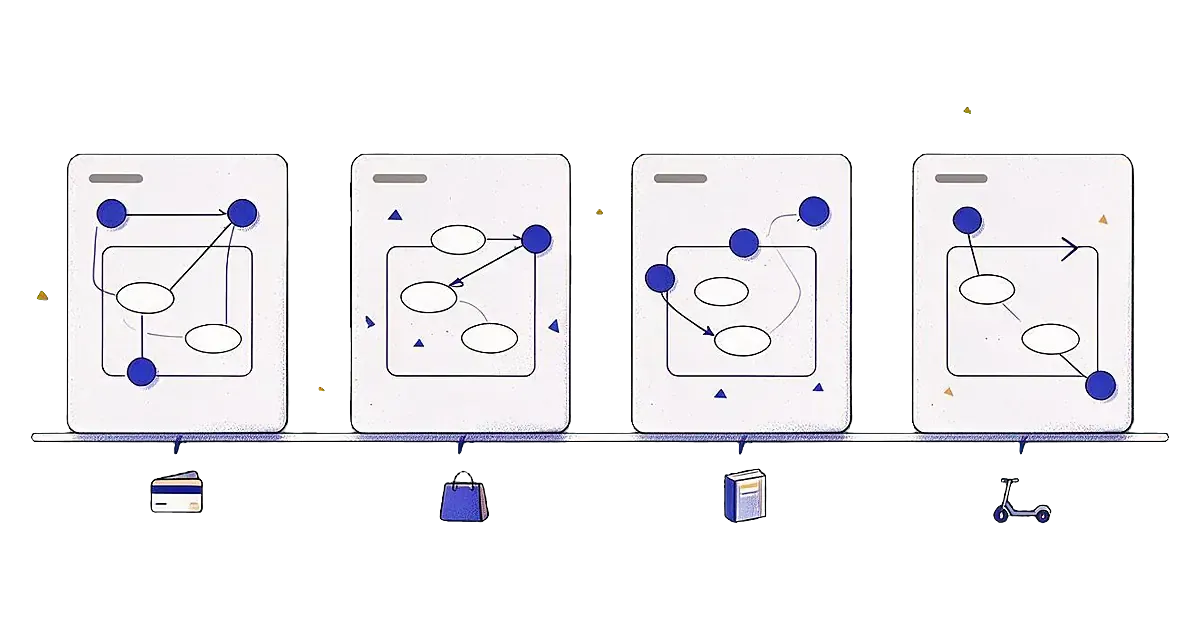
The fastest way to learn a use case diagram is to read a few good ones. Below are six use case diagram examples, from an ATM to a food delivery app. Each one lists the actors, the use cases inside the system boundary, and the include, extend or generalization links, then says what that example teaches.
Every example is written so you can redraw it in any tool in a few minutes. If you would rather draw it next to the written use cases, you can draw a use case diagram online in Flowifex. For what the notation means and why teams use it, read what a use case diagram is used for first.
How should you read these examples?
All six follow the same rules from the UML 2.5.1 specification. Actors stand outside the rectangle that marks the system. Use cases are ovals inside it, named as goals with a verb and a noun. A plain line joins an actor to a use case they take part in. Include, extend and generalization arrows connect use cases to each other, and generalization can also connect two actors.
Read each table as a list of the shapes on the diagram. The “What it teaches” line is the reason the example is here.
Example 1: ATM system
The ATM is the classic first example. It is small, everyone has used one, and it has a second actor that is a system rather than a person.
| Element | On the diagram |
|---|---|
| Actors | Customer; Bank system (secondary actor that authorizes transactions) |
| Use cases | Withdraw cash; Check balance; Deposit funds; Transfer between accounts; Authenticate |
| Relationships | Withdraw cash, Check balance, Deposit funds and Transfer each «include» Authenticate |
| What it teaches | Use include for a step that every use case needs, so you write it once |
Note what is missing. “Insert card” and “Enter PIN” are not use cases. They are steps inside Authenticate. If a diagram has an oval for every button press, it has slipped from goals to screens. The bank ATM example on uml-diagrams.org draws the same system with a technician actor for maintenance, which is a fair addition if your scope covers it. The same check is part of how to make a use case diagram.
Example 2: Online shopping checkout
An online store shows how extend works. Some behavior happens only under a condition, such as a discount code, and the base use case is complete without it.
| Element | On the diagram |
|---|---|
| Actors | Shopper; Registered shopper (generalizes Shopper); Payment provider |
| Use cases | Browse products; Add to cart; Check out; Apply discount code; Track order; Create account |
| Relationships | Apply discount code «extend» Check out; Registered shopper inherits every Shopper use case and adds Track order |
| What it teaches | Use extend for optional behavior and actor generalization for roles that add rights |
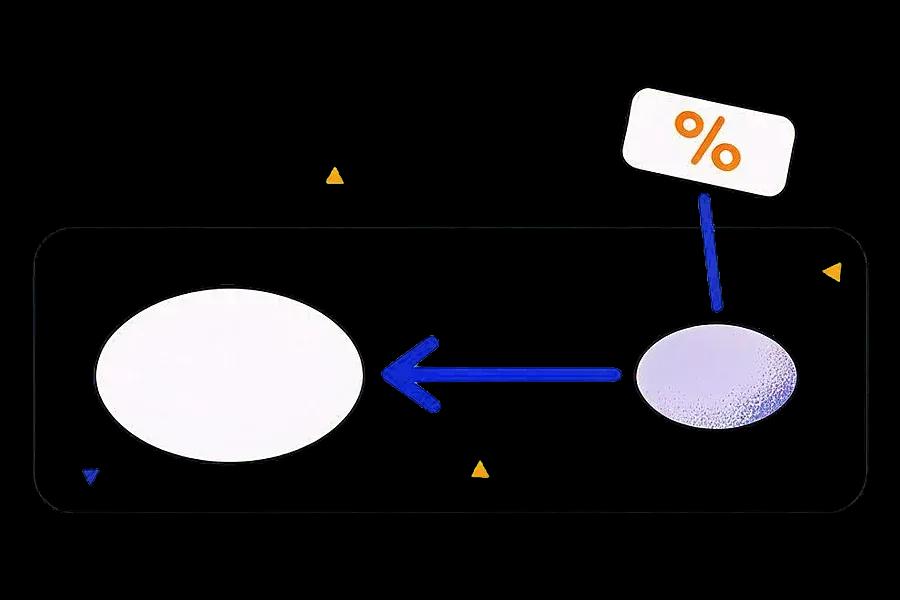
The extend arrow points from the optional use case to the base one. That direction trips up many first diagrams. Read it as “Apply discount code extends Check out”, and the arrow follows the sentence.
Example 3: Library management system
A library has two kinds of people with different rights, which makes it a good example of more than one primary actor.
| Element | On the diagram |
|---|---|
| Actors | Member; Librarian; Email service |
| Use cases | Search catalog; Reserve a book; Borrow a book; Return a book; Pay a late fee; Add a book to the catalog |
| Relationships | Pay a late fee «extend» Return a book (only when the book is late); Email service is linked to Reserve a book for the pickup notice |
| What it teaches | Several actors can share a use case; draw each actor once and connect it to every goal it has |
Borrow and Return are linked to both Member and Librarian, because the librarian scans the book while the member is present. Some teams make the librarian the only actor for those two. Both are valid. Pick one and say why in the written use case.
Example 4: Hospital appointment booking
Booking systems show where a diagram ends and the written use case begins. The diagram fits on a page; the rules about slots, cancellations and reminders do not.
| Element | On the diagram |
|---|---|
| Actors | Patient; Receptionist; Doctor; SMS gateway |
| Use cases | Book appointment; Cancel appointment; Reschedule appointment; View schedule; Send reminder |
| Relationships | Reschedule appointment «include» Cancel appointment and «include» Book appointment; SMS gateway is linked to Send reminder |
| What it teaches | Include can reuse whole user goals, which keeps the cancellation rules in one place |
Example 5: Food delivery app
A delivery app has three parties with their own goals: the customer, the restaurant and the courier. It is the best of the six for practising boundaries, because each party could even have its own app.
| Element | On the diagram |
|---|---|
| Actors | Customer; Restaurant; Courier; Payment provider |
| Use cases | Place order; Pay for order; Accept order; Mark order ready; Pick up order; Deliver order; Rate delivery |
| Relationships | Place order «include» Pay for order; Rate delivery is linked to Customer only |
| What it teaches | One boundary for the whole platform keeps the hand-offs between actors visible |
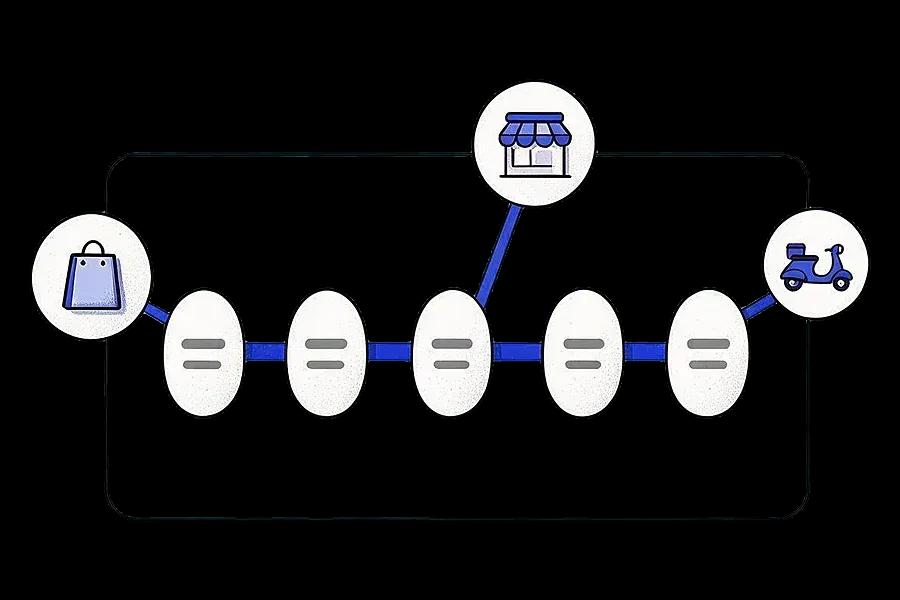
If you draw three boundaries, one per app, the line from Mark order ready to Pick up order crosses between systems and the diagram gets harder to read. Keep one boundary until the scope discussion says the apps are built and released separately.
Example 6: Mobile wallet payments
The last example is a real diagram from the fictional Qirsh Wallet sample project in Flowifex. A customer actor sits outside the boundary, and the payment use cases are connected with include and extend arrows.
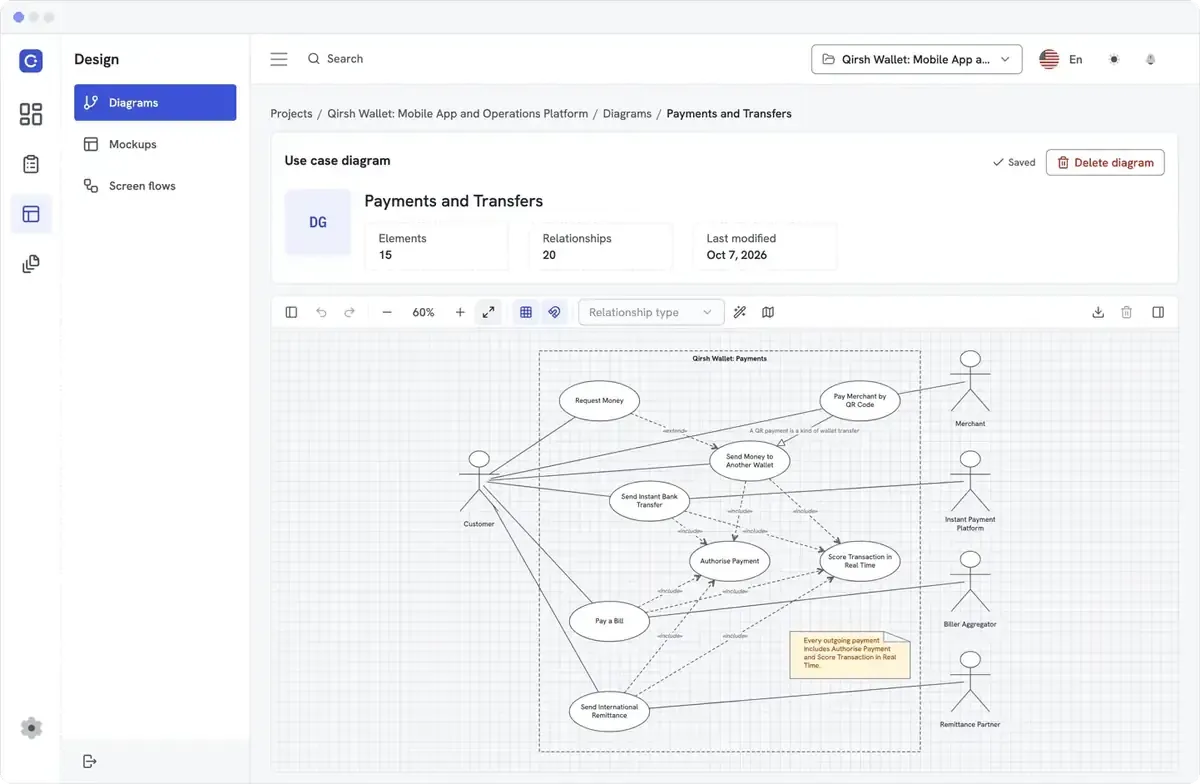
What it teaches: a real project has more ovals than a textbook example, so group them. A diagram per area (payments, account, support) stays readable where one diagram of everything does not.
What do good use case diagram examples have in common?
Across the six, the same habits make a diagram easy to read:
- Every use case is a goal an actor would name, written as a verb and a noun.
- Actors are roles or external systems, never named people or screens.
- Include and extend appear only where they save repeated text or mark optional behavior.
- One diagram covers one area, with roughly 5 to 12 use cases.
- Each oval has a written use case behind it with the steps and failure paths.
That last habit is the one most examples online skip. A diagram tells you that “Check out” exists. Only the written use case says what happens when the card is declined. In Flowifex, each oval on a diagram can be linked to a use case in the project. Requirements link to the steps of that use case, so the picture and the detail stay together. A use case template gives you the written side if you work in documents.
Which mistakes show up most in example diagrams?
Three mistakes appear again and again. The first is drawing a flowchart: ovals in sequence with arrows showing order. A use case diagram has no order; that belongs in the flow of events. The second is using include for every shared word, which turns the diagram into a web of dashed arrows. The third is leaving out secondary actors such as payment providers or notification services, so the boundary hides a dependency the team must build against.
Frequently asked questions
An ATM: a Customer actor outside the boundary, and Withdraw cash, Check balance and Deposit funds inside it. Each of those includes Authenticate, and a Bank system actor authorizes the transactions.
Roughly 5 to 12 keeps a diagram readable. Larger systems are split into one diagram per area, such as payments, accounts and support.
From the optional use case to the base use case. Read it as a sentence: Apply discount code extends Check out.
Yes. Flowifex exports diagrams as PNG or SVG from the app. The generated BRD contains text and tables only, so it does not embed the diagram image.
Read next
Keep every spec in one place. Start with a free project.
Model use cases, link requirements and generate your BRD. Free plan, no card needed.