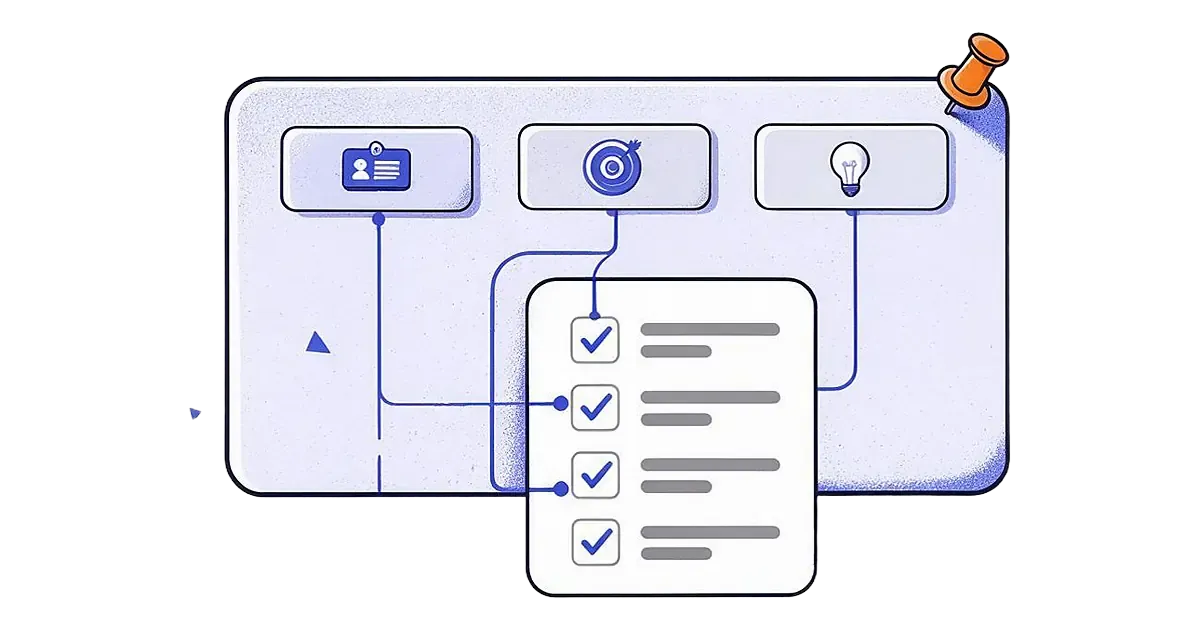
The standard user story template is: As a [type of user], I want [goal], so that [reason]. Fill it in from the user’s point of view, then add acceptance criteria that say when the story is done. The copyable template below adds the few fields a team needs to plan and test the story.
User stories work best for small, independent pieces of value. When a feature has many steps and failure paths, a written use case holds more detail. If you need that, our use case template for detailed flows covers the longer format.
What is a user story?
A user story is a short description of something a user wants to do, written so the team talks about the need before the solution. Mike Cohn’s introduction to user stories defines it as “a short description of desired functionality” told from the perspective of the person who wants it.
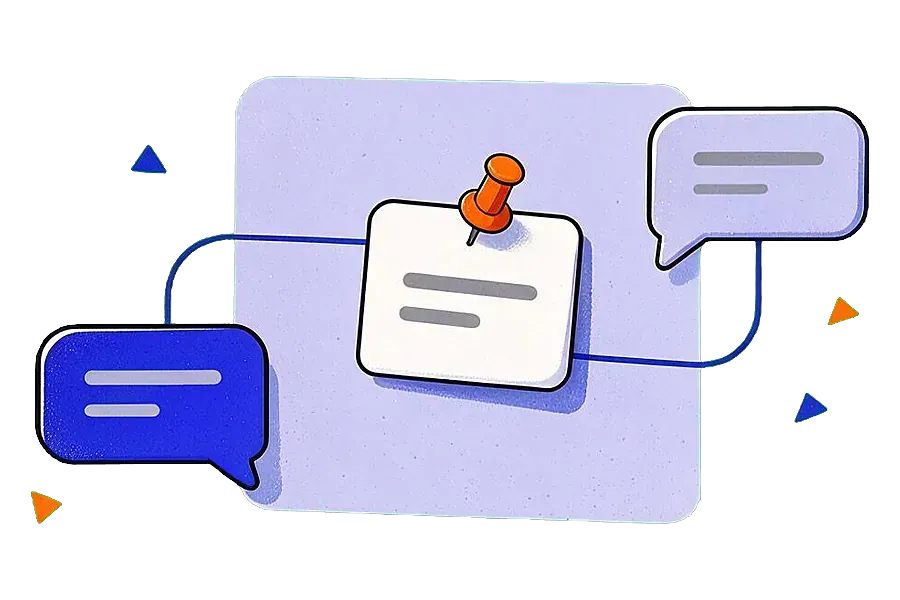
A story is not a full specification. It is a placeholder for a conversation. Ron Jeffries described this as card, conversation and confirmation. The card holds the sentence and the conversation fills in the detail. The confirmation is the acceptance criteria that prove it works.
What does a user story template look like?
The sentence is the heart of it, but a story that reaches planning usually carries a few more fields. Copy this layout into your backlog tool, document or spreadsheet.
| Field | What to write | Example (fictional wallet app) |
|---|---|---|
| ID | A unique reference | US-14 |
| Title | A short verb phrase | Split a bill with contacts |
| Story | As a [role], I want [goal], so that [reason] | As a wallet holder, I want to split a bill with saved contacts, so that I do not send several transfers by hand. |
| Acceptance criteria | Conditions that must be true for the story to be accepted | Given I select 3 contacts and a $90 bill, when I split evenly, then each contact is asked for $30. |
| Priority | MoSCoW or a rank | Must |
| Estimate | Story points or size | 5 |
| Notes and links | Designs, rules, open questions, related use case | Limit of 10 contacts per split (rule BR-4) |
What are good user story examples?
The stories below come from the same fictional wallet app. Each one names a real role, a goal the user cares about and a reason that explains the value.
- As a wallet holder, I want to see my last 30 transactions on the home screen, so that I can spot a payment I do not recognize.
- As a wallet holder, I want to save a contact after a transfer, so that I do not type their details again.
- As an invited contact, I want to decline a split request with a reason, so that the sender knows why.
- As a support agent, I want to see the status of a failed transfer, so that I can answer the customer without escalating.
- As a compliance officer, I want a monthly export of transfers above the reporting limit, so that I can file the required report on time.
Notice what is missing: no buttons, no screens, no database tables. Those belong in the conversation and the design, not in the story sentence.
How do you write a good user story?
Bill Wake’s INVEST checklist for good stories, published in 2003, is still the most common test. A good story is:
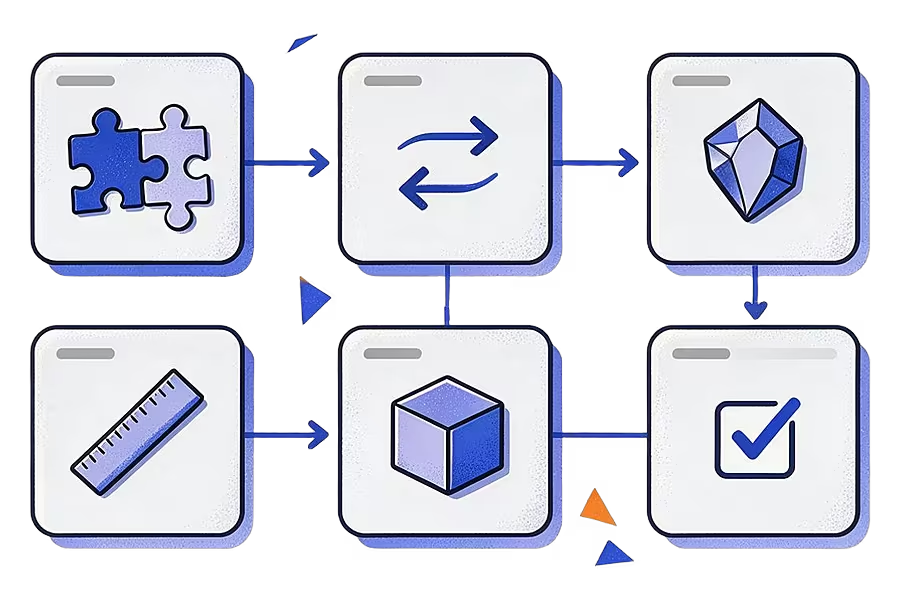
- Independent. It can be built and released without waiting for another story.
- Negotiable. It states the need, not a fixed solution, so the team can discuss options.
- Valuable. A user or customer would notice and care if it shipped.
- Estimable. The team understands it well enough to size it.
- Small. It fits comfortably inside one iteration.
- Testable. Someone can check whether it works.
Three habits help in practice. Write the role as a real role, never “as a user”. Keep the reason, because it is often where the real requirement hides. And write acceptance criteria before the story enters a sprint, not after it is built.
How do you split a large user story?
A story too big for one iteration is often called an epic. Cohn’s guide describes an epic simply as “a large story” to be split as it gets closer to development. Split along one of these lines:
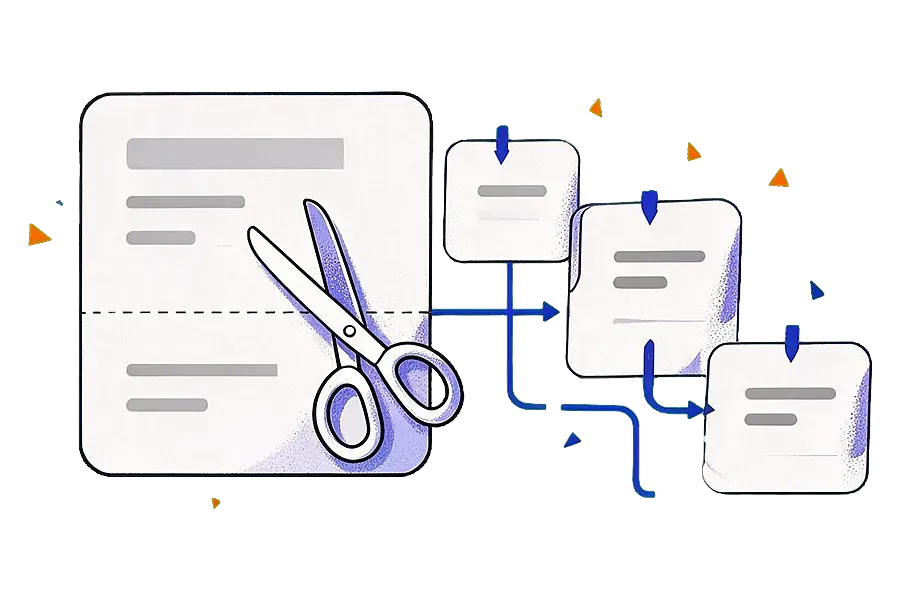
- By workflow step. “Split a bill” becomes choose contacts, set amounts, send requests, track responses.
- By business rule. Even split first, custom amounts later.
- By data variation. One currency first, several currencies in a later story.
- By happy path and exceptions. The success path first, then what happens when a contact declines or a payment fails.
Avoid splitting by technical layer (“build the API”, “build the screen”). Each slice should still give a user something they can see.
What mistakes make user stories hard to build?
- “As a user”. A generic role hides who the feature is for. A wallet holder and a support agent need different things from the same screen.
- No reason. Without “so that”, the team cannot suggest a cheaper way to reach the same goal.
- A solution in disguise. “I want a dropdown of contacts” fixes the design before anyone has talked about it. Write the goal instead: “I want to pick who shares the bill”.
- Technical stories. “As a developer, I want a new table” is a task. Attach it to the user story it serves.
- Acceptance criteria written after the build. Then they describe what was built, not what was needed. Agree on them during refinement.
- Stories that never close. If a story keeps growing during the sprint, split off the new part as its own story and finish the original.
A quick review before refinement catches most of these. Read each story aloud to someone outside the team. If they cannot say who benefits and why, rewrite it.
Is the user story template required in Scrum?
No. The 2020 Scrum Guide talks about Product Backlog items and never mentions user stories. Stories are a popular way to write backlog items, not a rule. Use them where they help the conversation, and use other formats where they do not.
One common alternative is the job story, “When [situation], I want [motivation], so I can [outcome]”, which puts the situation ahead of the role. Another is the use case, which is the better choice for flows with many steps and branches. For a side-by-side view, read user story vs use case.
Where do user stories fit with use cases and requirements?
Stories and use cases describe the same need at different sizes. A story captures one goal in one sentence. A use case writes the full flow that achieves it, including what happens when things go wrong. Many analysts write stories for planning and keep use cases as the reference for how the system behaves. Our guide to writing a use case step by step shows the longer form.
Flowifex is built around use cases rather than stories, and it has no separate user story object. Requirements in Flowifex carry a type, a MoSCoW priority, a status and acceptance criteria, and they link to individual use case steps. Teams that plan with stories can keep the story sentence as the requirement text and link it to the step it delivers. The Flowifex web app for business analysts then shows which steps have no requirement yet.
Frequently asked questions
The role (who wants it), the goal (what they want to do) and the reason (why it matters to them). The common template is: As a [role], I want [goal], so that [reason].
Anyone on the team can, but the product owner or business analyst usually owns them. The best stories are refined together with developers and testers, who add the detail and the acceptance criteria.
Detailed enough for the team to estimate it and test it, and no more. Put detail in acceptance criteria, linked designs and notes rather than in a longer story sentence.
Flowifex has no user story object. You can write the story sentence as a requirement, add acceptance criteria and a MoSCoW priority, and link it to the use case step it delivers.
Read next
Keep every spec in one place. Start with a free project.
Model use cases, link requirements and generate your BRD. Free plan, no card needed.