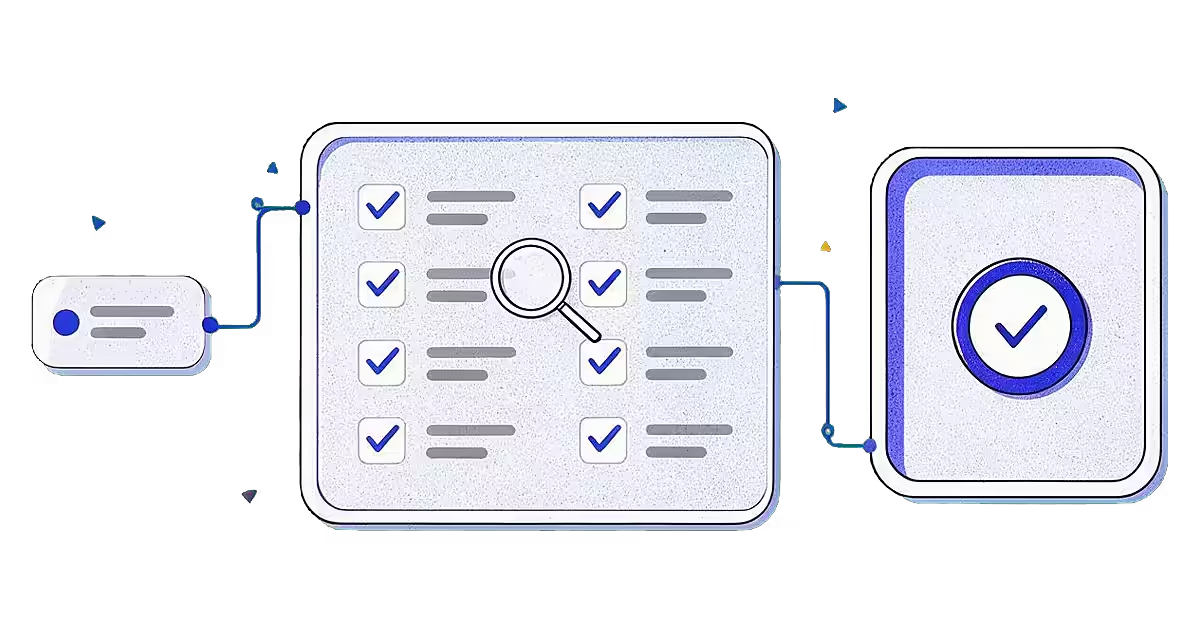
Acceptance criteria are the conditions a user story or requirement must meet to be accepted as done. The two common formats are scenarios (Given a starting state, When an action happens, Then an expected result) and rule checklists. Below are 12 examples in both formats, plus the rules for writing your own.
Each example is written so a tester could check it without asking the author what was meant. If you track requirements in a tool, these fit straight into a requirement’s criteria field, as in requirements with acceptance criteria and MoSCoW priority.
What are acceptance criteria?
Acceptance criteria are “details that help the team understand whether a story has been completed correctly”, in the words of Mike Cohn’s guide to user stories and acceptance criteria. They turn a short story into something testable. They are agreed before work starts, so the team builds toward a known target.
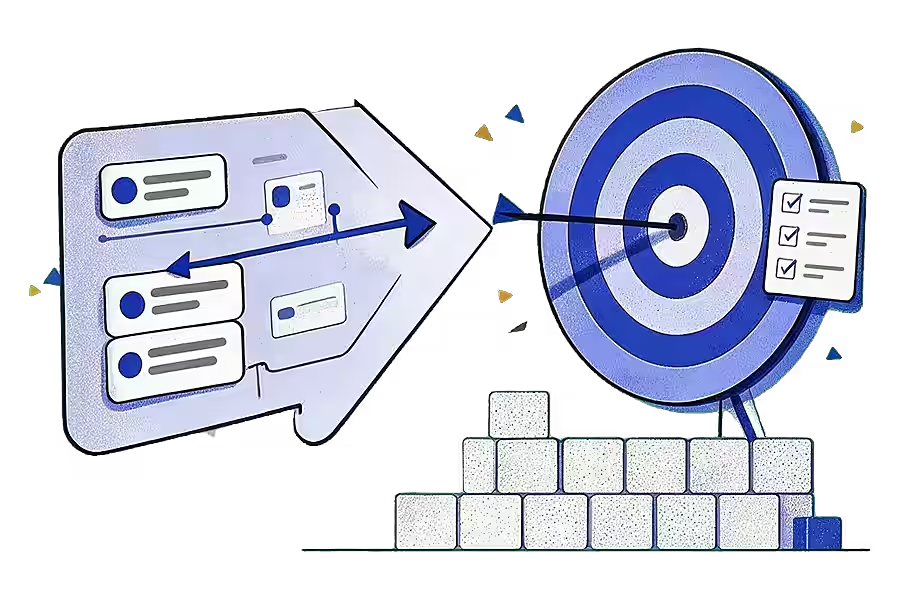
Good criteria describe observable behavior, not implementation. “The system shows an error” can be tested by anyone. “The validation function returns false” can only be checked by a developer and says nothing about what the user sees.
Which acceptance criteria format should you use?
| Topic | Scenario (Given/When/Then) | Rule checklist |
|---|---|---|
| Best for | Behavior that changes with the situation: flows, states, errors | Fixed rules: limits, formats, permissions, display rules |
| Shape | Given a state, When an action, Then a result | A bulleted list of statements that must all be true |
| Automation | Maps directly to test frameworks that read Gherkin | Usually checked by a tester or turned into separate tests |
| Risk | Gets long when every variation becomes a scenario | Can miss sequences and edge cases between rules |
Given/When/Then was developed by Daniel Terhorst-North and Chris Matts as part of behavior-driven development, as Martin Fowler explains in his note on Given-When-Then. The Given sets up the state, the When is the behavior, and the Then is the expected change. The Cucumber Gherkin reference defines the keywords test tools read, including And and But for extra lines and Scenario Outline for tables of inputs.
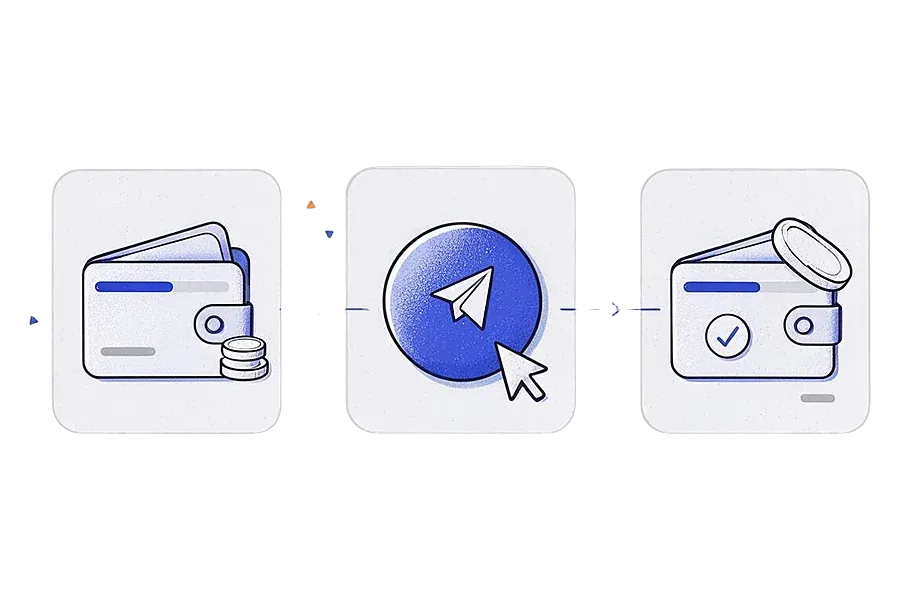
Most teams mix the two. Use scenarios for the paths through a feature and a checklist for the rules that apply on every path.
What are examples of acceptance criteria?
The examples use a fictional wallet app. Numbers such as limits and timeouts are illustrations; take real values from the people who own them.
1. Sign in with a valid password
Given a registered user on the sign-in screen, when they enter a correct email and password, then they land on the home screen and see their balance.
2. Sign in with a wrong password
Given a registered user, when they enter a wrong password, then the app shows “Email or password is incorrect” and does not say which one was wrong.
3. Lock after repeated failures
Given 5 failed sign-ins in 15 minutes, when the user tries again, then the account is locked for 15 minutes and the owner gets an email.
4. Password reset (checklist)
- The reset link expires after 30 minutes.
- The link works once.
- The new password must differ from the last 3 passwords.
- All other sessions are signed out after a reset.
5. Send money within the balance
Given a balance of $100, when the user sends $40 to a saved contact and confirms, then the balance shows $60 and the transfer tops the history.
6. Send money above the balance
Given a balance of $100, when the user enters $150, then the confirm button stays disabled and the app shows the $50 shortfall.
7. Search the transaction history (checklist)
- Search matches contact name, amount and note text.
- Results are sorted newest first.
- An empty result shows “No transactions match” and a link to clear the search.
- Results appear within 1 second for histories up to 5,000 items.
8. Notification preferences
Given a user has turned off marketing notifications, when a campaign is sent, then that user receives nothing, but they still receive transfer receipts.
9. Export a monthly statement
Given a user with transactions in October, when they export the October statement, then they receive a PDF listing every October transaction with a closing balance that matches the app.
10. Role-based access (checklist)
- A support agent can view a customer’s transfers but cannot start a transfer.
- A viewer cannot see full card numbers, only the last 4 digits.
- Every access to a customer record is written to the audit log.
11. Accessibility
Given a keyboard-only user on the transfer screen, when they move with the Tab key, then focus reaches every control in reading order and is visibly outlined.
12. Scenario outline for transfer limits
Given a daily limit of $1,000, when the user sends the amount below after already sending $800 today, then the result is as shown:
| Amount | Expected result |
|---|---|
| $150 | Sent |
| $200 | Sent; daily total reaches the limit |
| $201 | Blocked with the message “Daily limit reached” |
Speed, availability and similar qualities can also appear as criteria, but they usually apply to many stories at once. Write those once as non-functional requirements with measurable limits and reference them.
What is the difference between acceptance criteria and the definition of done?
Acceptance criteria are specific to one story. The definition of done applies to every item the team delivers, for example “code reviewed, tests passing, documentation updated”. The Scrum Guide states that work “cannot be considered part of an Increment unless it meets the Definition of Done.” A story is finished when it meets both: its own acceptance criteria and the team’s shared definition of done.
How do you write good acceptance criteria?
- Write them before the work starts. Agree on them in refinement with a developer and a tester in the room.
- Describe results a user or tester can see. Leave implementation to the team.
- Use numbers. “Quickly” and “many” cannot fail a test. “Within 1 second” and “up to 10” can.
- Cover the unhappy paths. For each criterion, ask what happens when the input is wrong, missing or too large.
- Keep each criterion independent. One condition per line or scenario, so a failure points to one thing.
- Stop at about five to seven. More than that usually means the story should be split.
What mistakes should you avoid?
- Restating the story. “The user can split a bill” adds nothing to a story about splitting bills.
- Hidden design decisions. “A blue button in the top right” belongs in the design, unless the position truly matters.
- Criteria that depend on each other. If criterion 3 only makes sense after criterion 2, write a scenario instead.
- Missing data. A criterion about a limit needs the limit. Leave it open with an owner rather than guessing a number.
If your team writes stories, pair this guide with the user story template and examples. If you rank criteria by importance, the MoSCoW method for requirements applies to them too. To keep stories, requirements and criteria in one place, the Flowifex requirements web app is free for one analyst.
Frequently asked questions
The product owner or business analyst usually drafts them, and developers and testers refine them before work starts. The person who accepts the work should agree with them.
Usually three to seven. Fewer may leave gaps in the unhappy paths. Many more is a sign the story should be split into smaller stories.
No. Acceptance criteria state what must be true. Test cases describe the exact steps and data used to check it. One criterion often leads to several test cases.
No. Given/When/Then suits behavior that depends on a situation. A simple checklist suits fixed rules such as limits and formats. Many teams use both in the same story.
Read next
Keep every spec in one place. Start with a free project.
Model use cases, link requirements and generate your BRD. Free plan, no card needed.