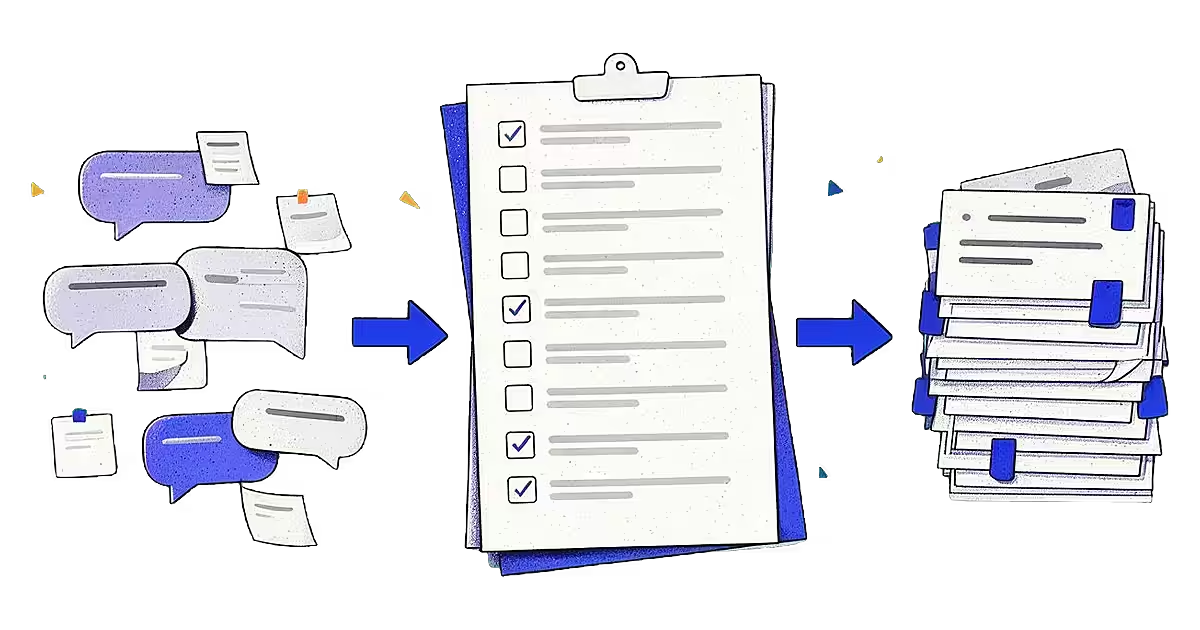
A requirements gathering template is a fixed set of sections you fill while you interview stakeholders, so nothing important is skipped. The template below has nine sections, from project summary to sign-off, a question bank for each, and a requirements log with sample rows. Once it is complete, it becomes the input for your business requirements document.
What is requirements gathering?
Requirements gathering is the work of finding out what a change must achieve and what the solution must do, from the people and documents that know. The BABOK Guide from the IIBA calls this elicitation and treats it as its own knowledge area, together with collaboration.
The output is raw. Stakeholders describe problems, wishes and solutions in their own words, and some of it conflicts. The template’s job is to capture all of it in a consistent shape, with a source for every item, so you can analyse and prioritize it afterwards.
What goes in a requirements gathering template?
Use these nine sections. Fill the first four before the first workshop, and the rest as the sessions run.
| # | Section | What to capture |
|---|---|---|
| 1 | Project summary | Name, sponsor, analyst, dates, and one paragraph on why the work exists |
| 2 | Objectives | Measurable business outcomes, each with a baseline and a target |
| 3 | Stakeholders | Who is affected or has influence, and what each one needs |
| 4 | Scope | What is in, what is out, and what is undecided |
| 5 | Current process | How the work is done today, its pain points and workarounds |
| 6 | Requirements log | Every need raised, with ID, type, source, priority and status |
| 7 | Assumptions and constraints | What you take as true, and limits on budget, dates, technology or regulation |
| 8 | Open questions | Each question with an owner and a due date |
| 9 | Review and sign-off | Who confirms the gathered requirements, and when |
Section 3 deserves its own worksheet on larger projects. Our stakeholder analysis template has the columns for interest, influence and engagement.
Which questions should you ask in each section?
Ask open questions first and closed ones to confirm. Use this bank as a starting point:
- Objectives. What problem are we solving? How will we know it worked? What does it cost today?
- Stakeholders. Who else uses this process? Who approves changes to it? Who would object?
- Scope. What must the first release include? What can wait? What is definitely not part of this?
- Current process. Walk me through the last time you did this. Where do you wait? Where do errors happen?
- Requirements. What should happen when it goes right? What if the input is wrong? What if a step fails?
- Rules and constraints. Which policies or regulations apply? Are there limits, approvals or deadlines?
- Quality. How fast must it respond? When must it be available? Who must not see this data?
The "what if" questions find the alternate and exception flows that most first drafts miss.
What does a requirements log look like?
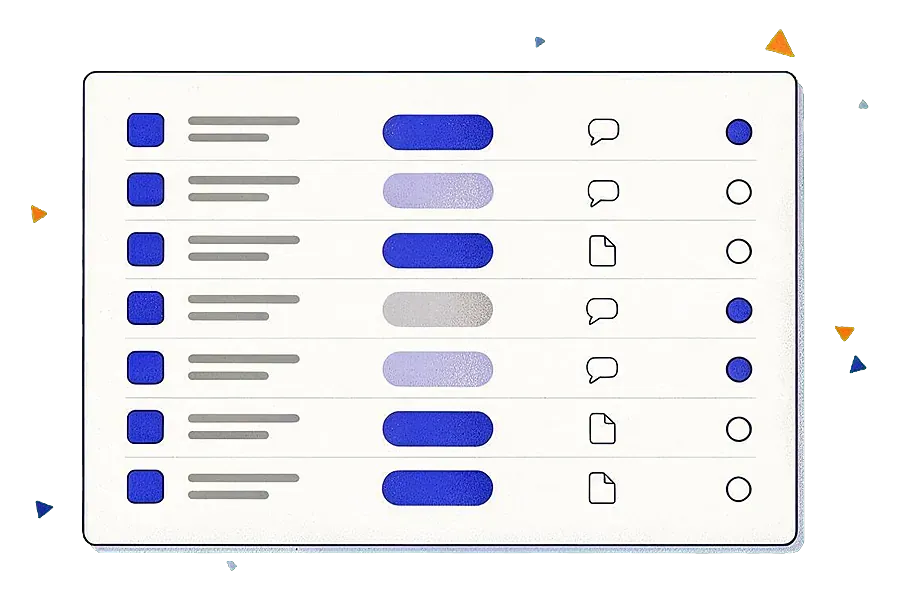
The log is the heart of the template. One row per need, written as a statement someone can test. ISO/IEC/IEEE 29148, the requirements engineering standard, lists the qualities to aim for, among them necessary, unambiguous, verifiable and singular. The sample rows below are for a fictional wallet app, Qirsh Wallet, adding a split-bill feature.
| ID | Requirement | Type | Source | Priority | Status |
|---|---|---|---|---|---|
| R-01 | The holder can split a bill among up to 10 saved contacts. | Functional | Sponsor interview | Must | Approved |
| R-02 | A split total cannot exceed the daily transfer limit. | Business rule | Compliance workshop | Must | Approved |
| R-03 | The holder sees why a contact declined a request. | Functional | Support interview | Should | Proposed |
| R-04 | Split requests are confirmed within 2 seconds for 95% of requests. | Non-functional | Engineering lead | Should | Proposed |
| R-05 | The holder can split in several currencies. | Functional | User survey | Won’t (this release) | Deferred |
| R-06 | Support can see every request in a split by its reference. | Functional | Observation of support desk | Could | Draft |
The source column is what makes the log defensible. When a requirement is challenged in review, you know who raised it and in which session. The priority column uses MoSCoW; our guide to MoSCoW prioritization explains each category. If you are unsure whether a row is functional, see functional vs non-functional requirements.
Which elicitation technique fits which question?
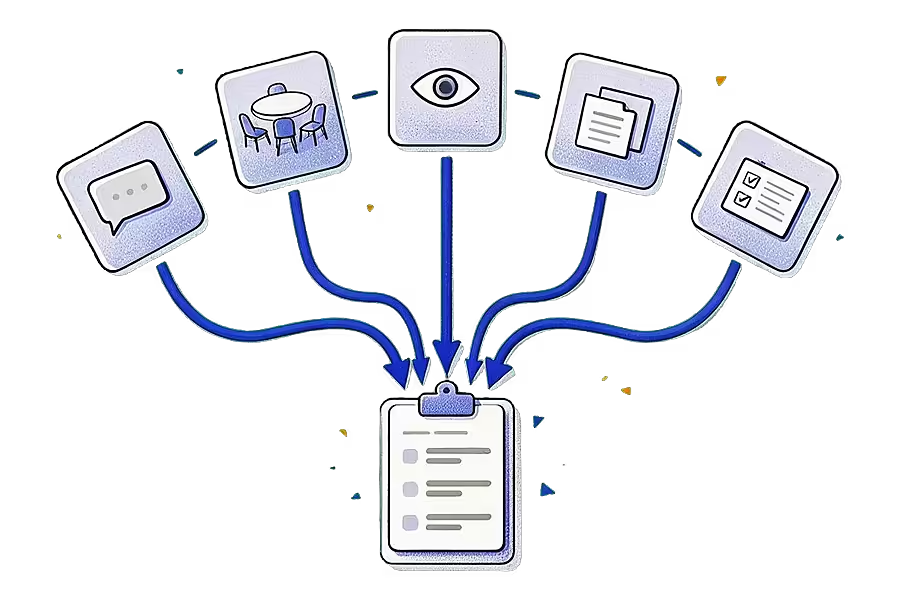
No single technique finds everything. Pick by what you need to learn.
| Technique | Best for | Watch out for |
|---|---|---|
| Interviews | Goals, pain points and rules from one person in depth | One view only; confirm with others |
| Workshops | Agreeing scope and priorities across a group | Loud voices; use a facilitator and a written agenda |
| Observation | How the work is really done, including workarounds | People change behavior when watched; observe more than once |
| Document analysis | Existing rules, forms, reports and regulations | Documents may be out of date |
| Surveys | Many users, simple questions, frequency of a problem | No follow-up questions; keep it short |
| Prototypes and mockups | Screens and flows people struggle to describe | Stakeholders may treat a sketch as a promise |
How do you turn gathered requirements into a BRD?
Gathering ends when the log is stable and every open question has an owner. Then analyse: remove duplicates, split statements that hold two needs, resolve conflicts with the sponsor, and write acceptance criteria for each requirement that survives.
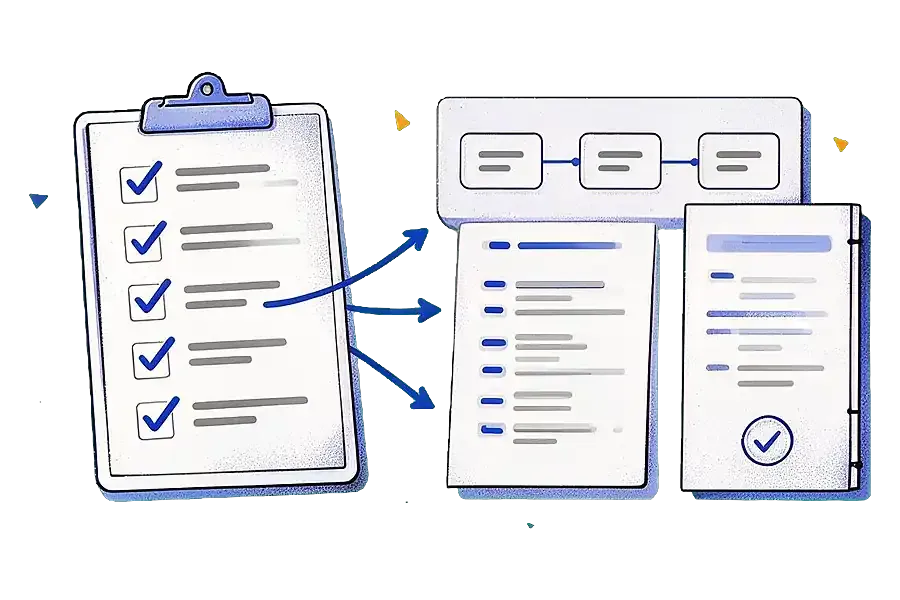
Next, model the behavior. Each functional requirement belongs to a flow a user follows, so write the use cases and link every requirement to the steps that deliver it. Our use case template has the sections for that. Finally, assemble the business requirements document and send it for sign-off. Our business requirements document example shows the finished shape.
What mistakes spoil requirements gathering?
- Writing down solutions as requirements. "Add a dropdown" is a design. Ask why, and write the need behind it.
- No source. A requirement nobody remembers asking for is hard to keep or cut.
- Only the happy path. Ask what happens when things fail, or the exceptions arrive as defects.
- Skipping the people who do the work. Managers describe the official process; the team describes the real one.
- Not reading back. Send a summary after each session and ask for corrections within a set number of days.
Where can you keep the requirements log in Flowifex?
Flowifex holds the log as structured requirements. Each one has a type (Business Requirement, Business Rule, Feature or Requirement), a MoSCoW priority, a status from Draft through Approved, Implemented and Verified, a source field and acceptance criteria. The project’s stakeholder register keeps the people from section 3.
There is no CSV import in the app today. If your log is already in a spreadsheet, an AI assistant connected over MCP can import it as CSV through the requirements tool. The steps are on the connect your AI assistant page. From there, link each requirement to its use case steps and generate the BRD from the same model.
Frequently asked questions
They mean almost the same thing. Elicitation is the term used in the BABOK Guide and stresses that requirements are drawn out of people rather than picked up ready-made. Gathering is the everyday word. Both cover interviews, workshops, observation and document analysis.
The business analyst or product owner who runs the sessions. Stakeholders answer the questions, and the analyst writes the answers into the template, then reads them back for confirmation.
It depends on scope. A single feature may need two or three sessions. A new system can take weeks. Stop when new sessions only repeat what you already have and every open question has an owner.
Yes. The requirements log table pastes into a spreadsheet as it is. Keep the summary sections in a document and the log in the spreadsheet, linked by requirement ID.
Read next
Keep every spec in one place. Start with a free project.
Model use cases, link requirements and generate your BRD. Free plan, no card needed.